

Key facts
- Styles
- 3D Animated · Street Legend · Super Hero
- Works best with
- One clear, well-lit face
- Platforms
- iPhone, iPad and Android
- Price
- 30 free credits for new users, then credit packs from $1.99 or a Glow subscription (pricing)
The three styles

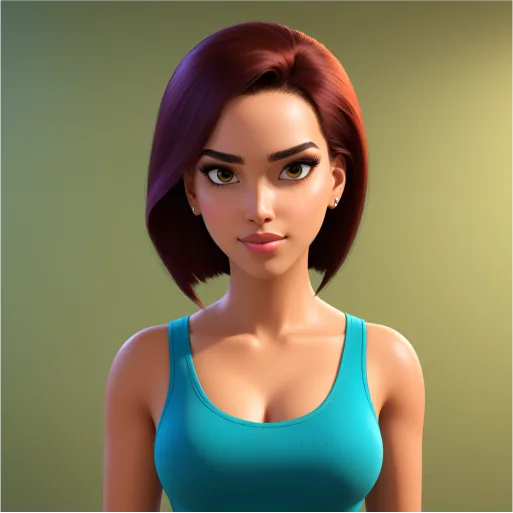

More cartoon and character styles in Glow 2.7
Glow 2.7 added more ways to turn a photo of yourself into a character. They are separate tools in the app, next to Cartoonize, and each takes one photo:



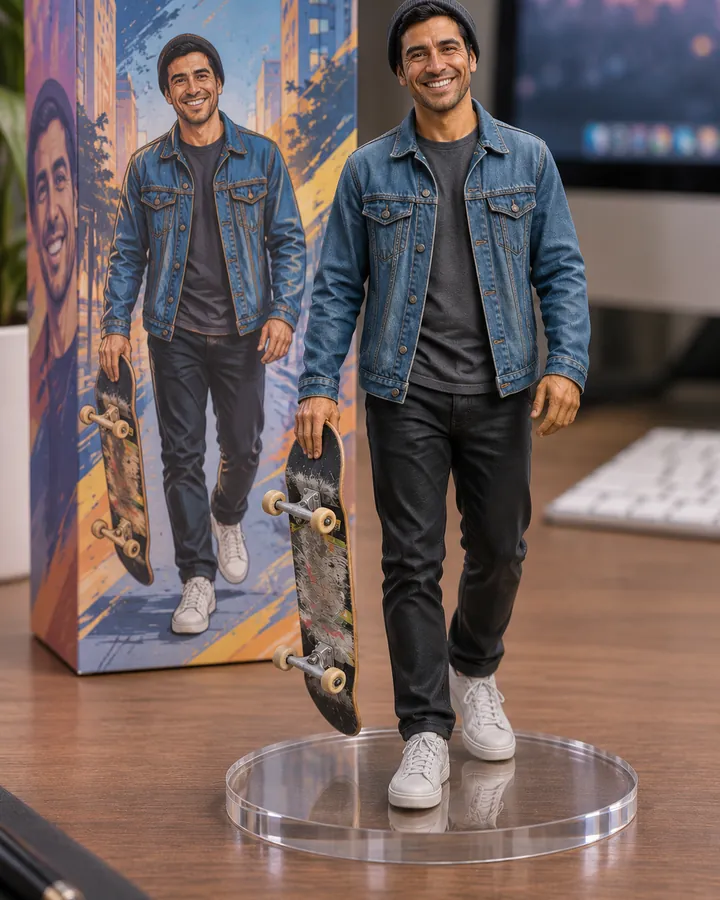

- Character Me styles: Astronaut, Ninja, Samurai, Wizard, Robot, Clay, Pixel Art, Watercolor, Sketch and Toy.
- Chibi & Caricature: 3D Chibi or Caricature.
- Retro Trends styles: Vintage Saree, 90s Bollywood, 90s Yearbook, Polaroid and Film Noir.
If you don't see these tools, update Glow from the App Store or Google Play. They use the same free results and subscription as Cartoonize.
How to cartoon yourself
- Open Glow and tap Cartoonize.
- Choose 3D Animated, Street Legend or Super Hero.
- Pick a selfie with your face clearly visible.
- Save the result or share it straight from the app.
Tips
- Face the camera in soft, even light. Sunglasses and heavy shadows make the result less like you.
- One person per photo works best.
- Want a sticker instead of a full picture? Try the Sticker Maker.
Limits
Cartoonize works on photos of people, not pets or objects. Each style is drawn by AI, so the result is an interpretation of your face, not an exact copy.
Who it's for
Best for
- Profile pictures and avatars
- Fun posts and group chats
- Gifts and birthday cards
Not for
- Photos of pets or objects
- Group photos with many faces
- Official ID photos
Questions
How do I turn myself into a cartoon?
Open Glow, tap Cartoonize, pick a style and choose a selfie with your face clearly visible. Glow creates the cartoon in a few seconds.
What styles are there?
Cartoonize has three: 3D Animated, Street Legend and Super Hero. Glow 2.7 also added Character Me (astronaut, ninja, clay, pixel art and more), Make it Anime, Chibi & Caricature, 3D Figurine and Retro Trends as separate tools.
Is it free?
Yes, to start. New users get 30 free credits, one time, with no card needed (fair-use limits apply). Every tool shows its price in credits before you start, and most photo tools cost 2 to 10 credits. After that you can buy a credit pack, from $1.99 for 100 credits on the US stores, or subscribe to Glow for credits every week or month. The app shows the exact price for your country before you pay, and you can cancel a subscription any time in your App Store or Google Play settings. See pricing.
What happens to my photo?
Your photo is uploaded securely and processed once to create your result, which appears in your in-app Gallery. Glow doesn't collect or store face data, and you can delete any result from the Gallery. Details are in the privacy policy.
Last updated November 16, 2026. Made by Halberd LLC, the developer of Glow.