AI photo studio in your pocket
Make every
Make every
photo glow.
Sharpen blurry shots to HD, erase anything, bring black & white memories back to color, turn your selfie into a 3D animated hero or a die-cut sticker, or describe any image and let Glow Studio create it.
On a computer? Use Glow on the web, same credits as the app.
- 10 AI modes
- 1 tap
- 0 face data stored


Cartoonize · 3D Animated
Save to Gallery
Enhance HD
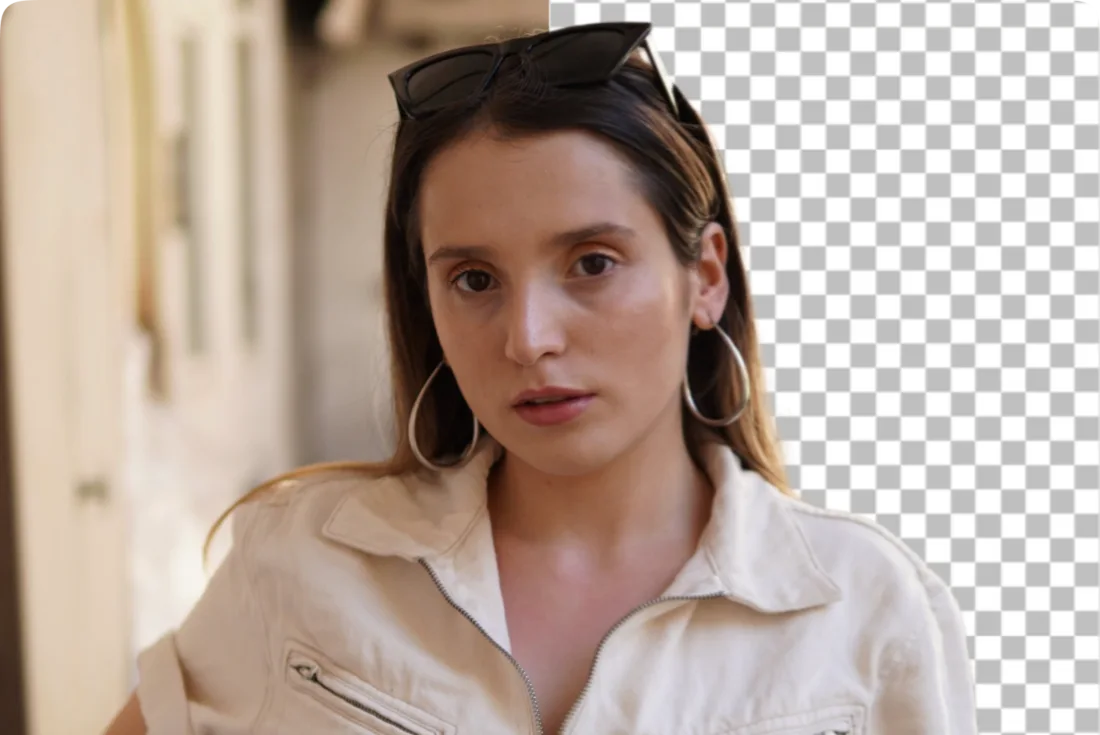
Cut-out
Sticker
Colorize
Live preview
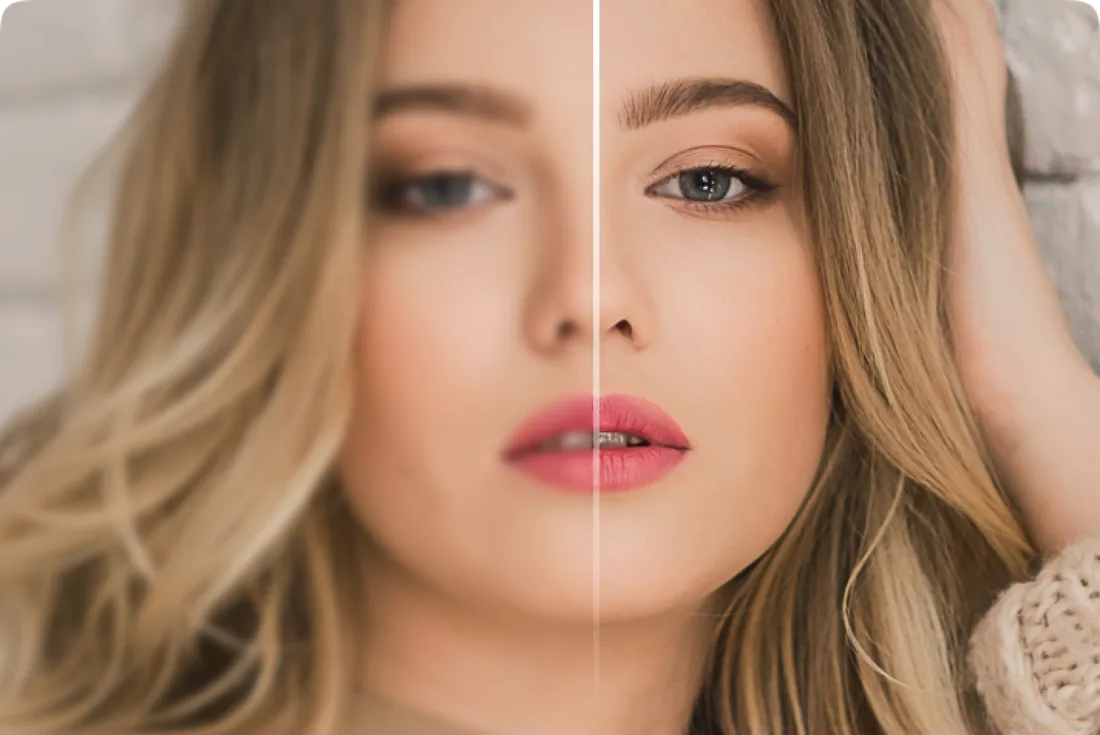
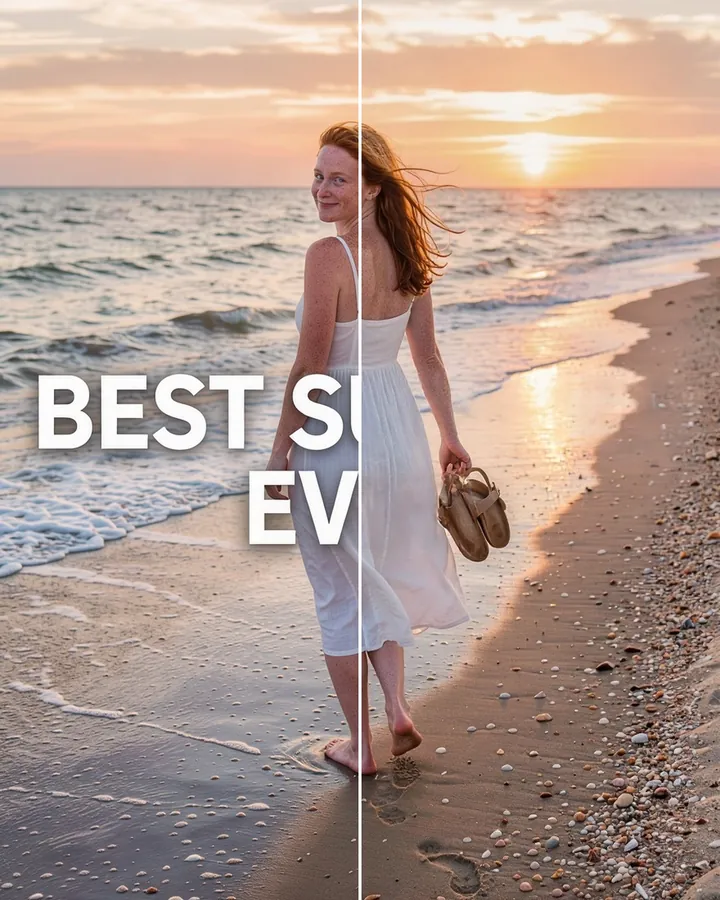
Drag. Gasp. Repeat.
Slide across any photo to see what Glow does to it.

 Before
After
Blurry, low-res shot → crisp HD with restored facial detail.
26 tools · 40+ AI modes
Everything your camera roll has been waiting for.




Cartoon & Characters
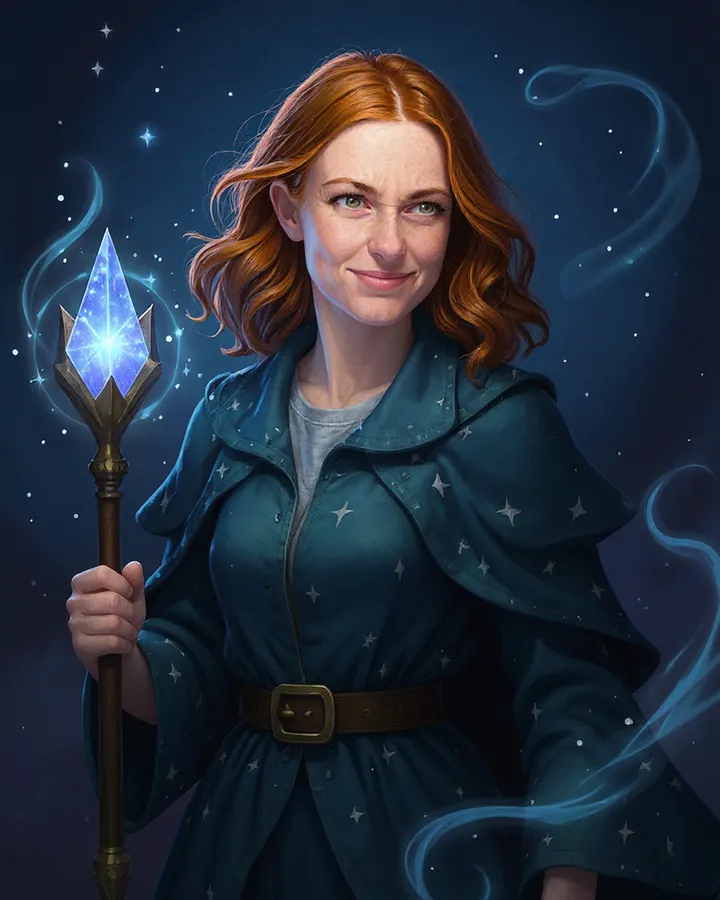
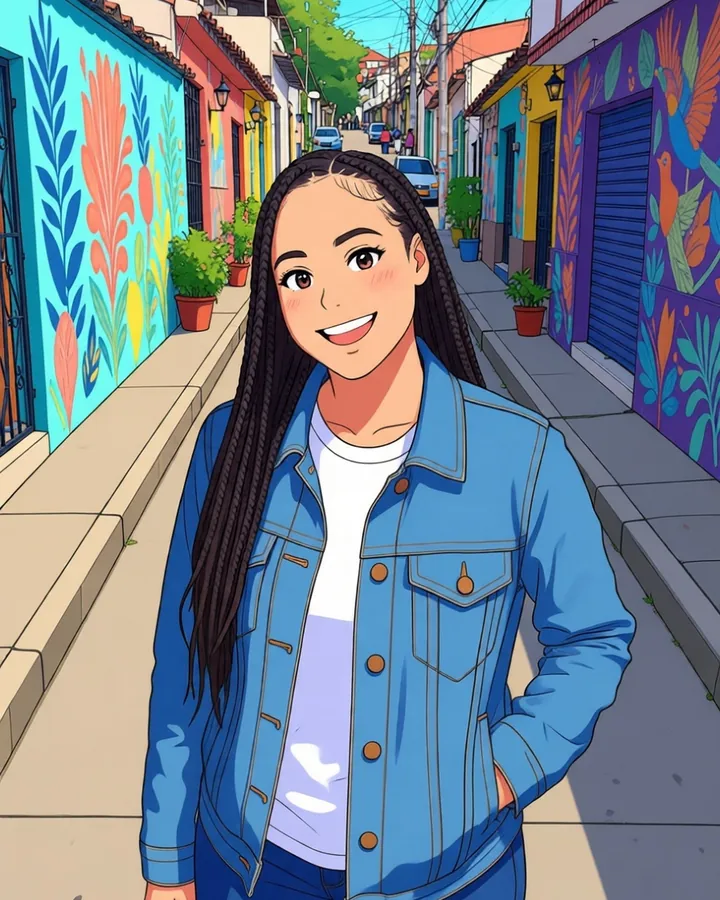
Turn a selfie into an anime still, a 3D chibi, a clay figure or an astronaut, ninja or wizard.
Cartoon YourselfAnime3D ChibiClayPixel ArtAstronaut



New in Glow 2.7 · 20 more AI tools
Headshots, hairstyles, outfits, trips and more.
Your photo in, a finished result out. Every example below was made with Glow. Available now on iPhone and Android.



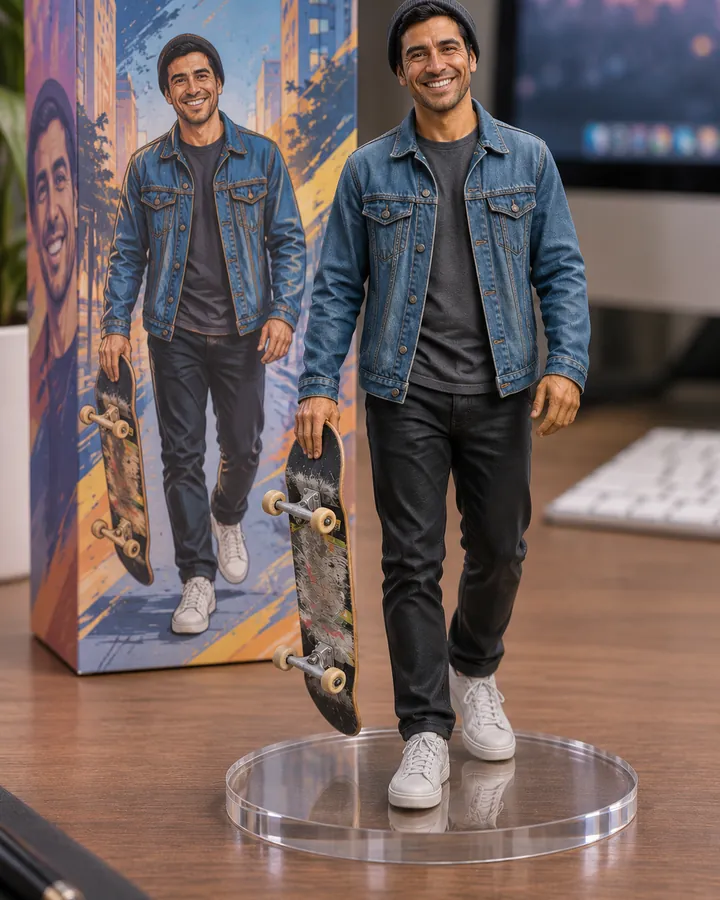
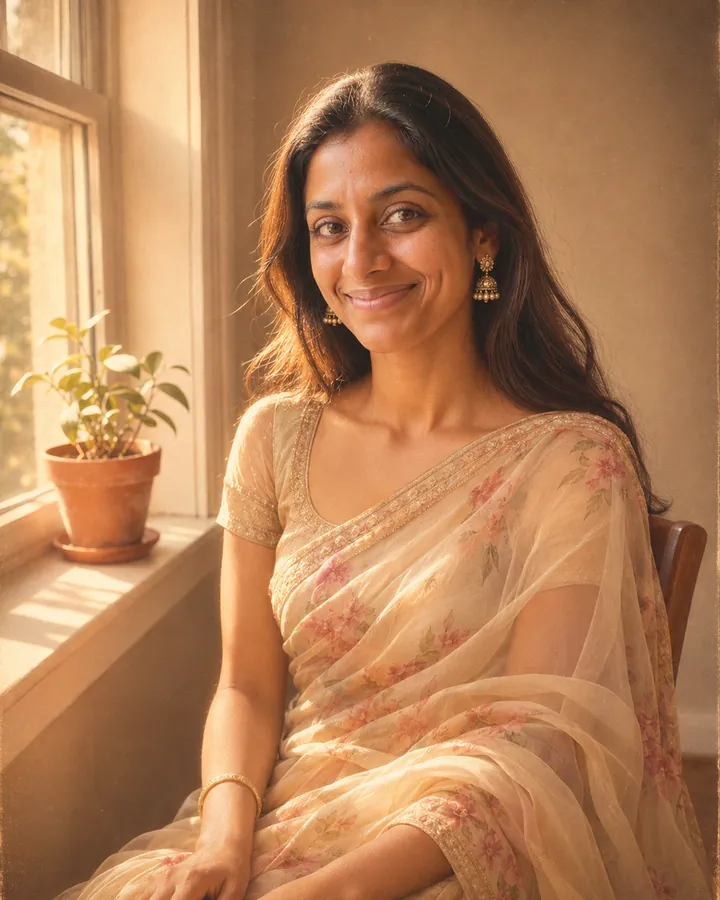

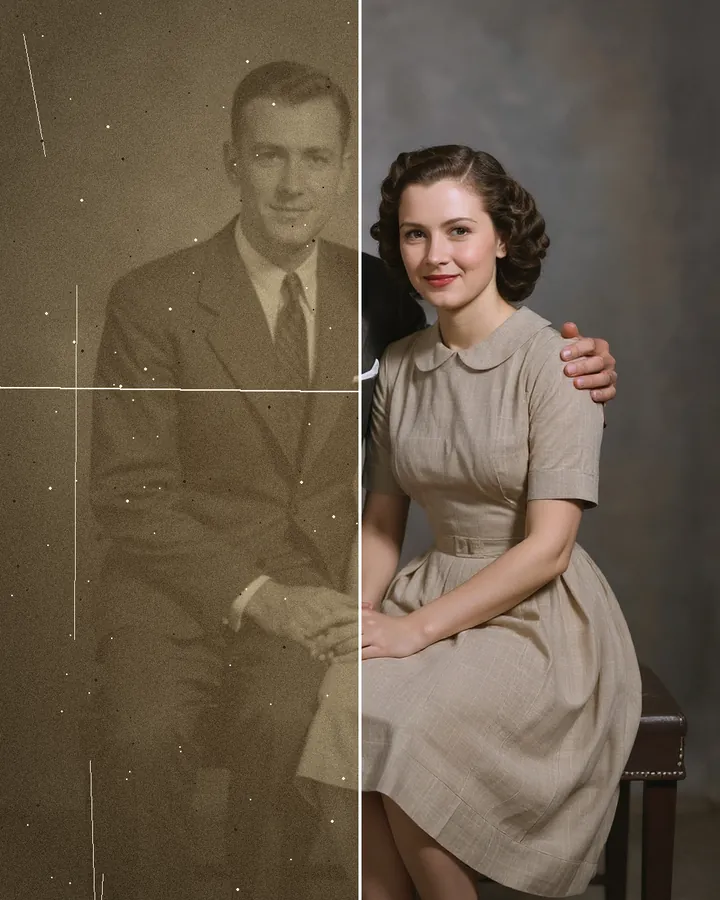
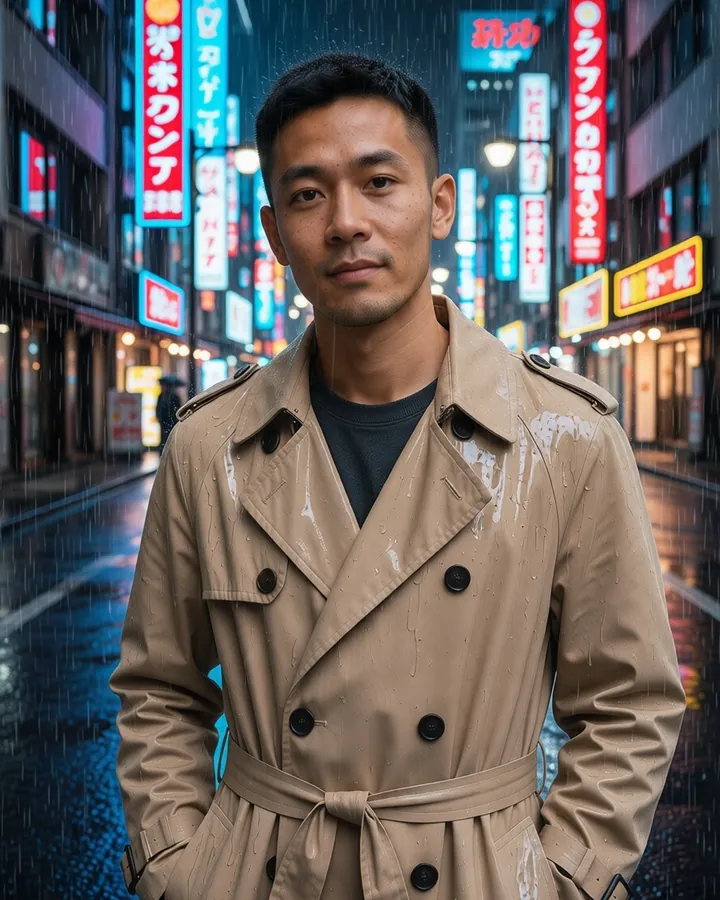
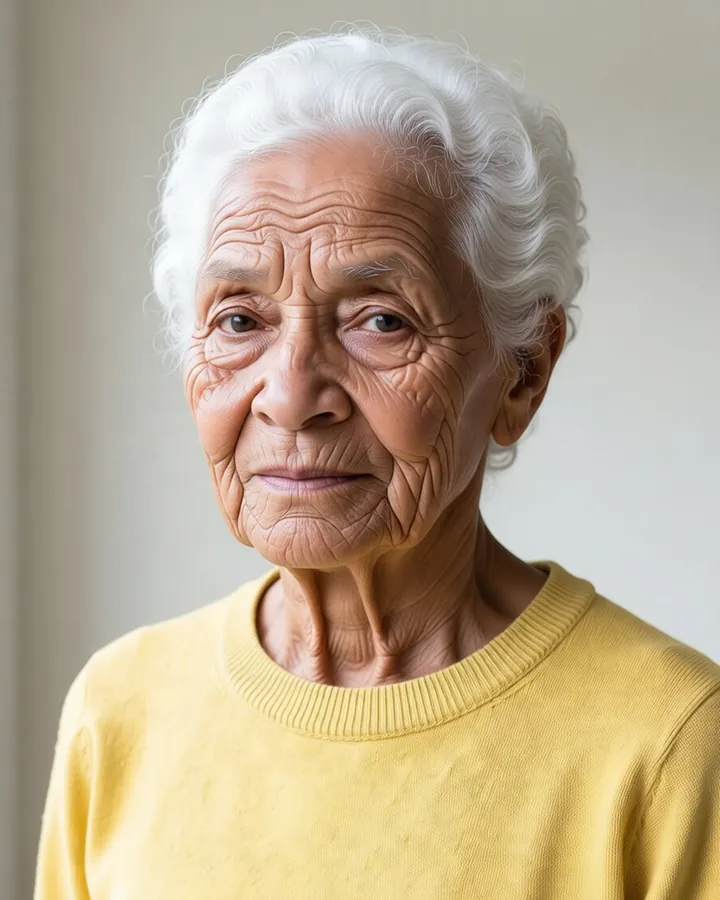
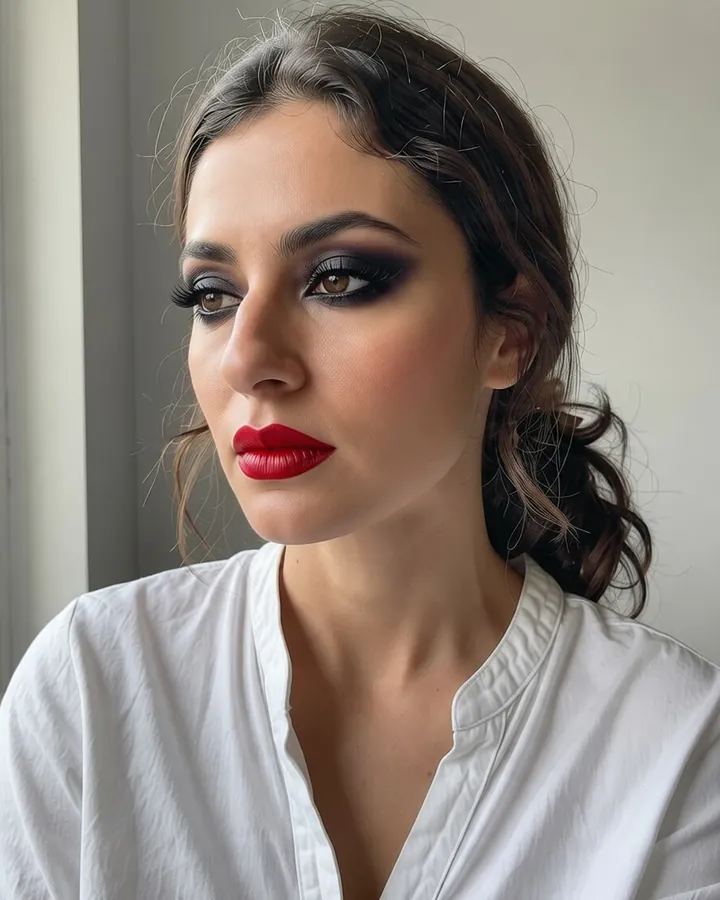


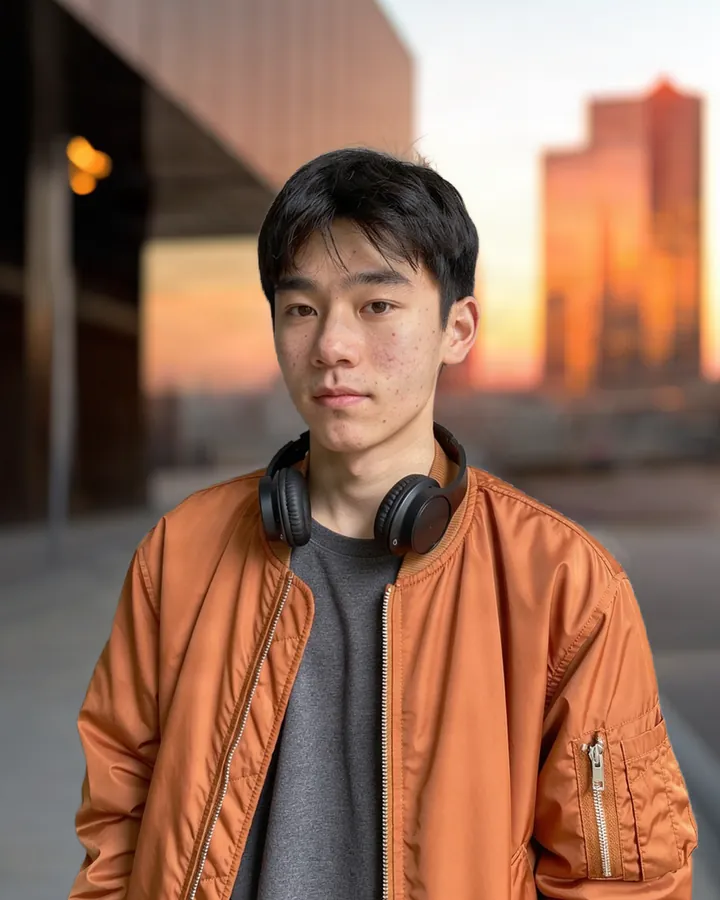


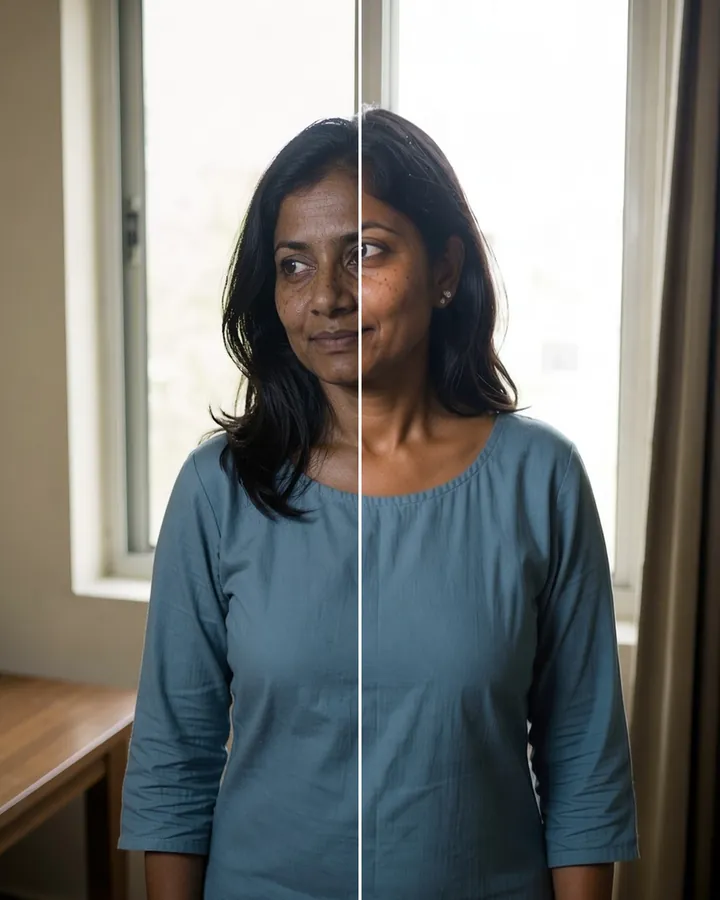
Out now in Glow 2.8: AI video and photo models like Veo, Kling, Nano Banana and FLUX
New · Glow Studio
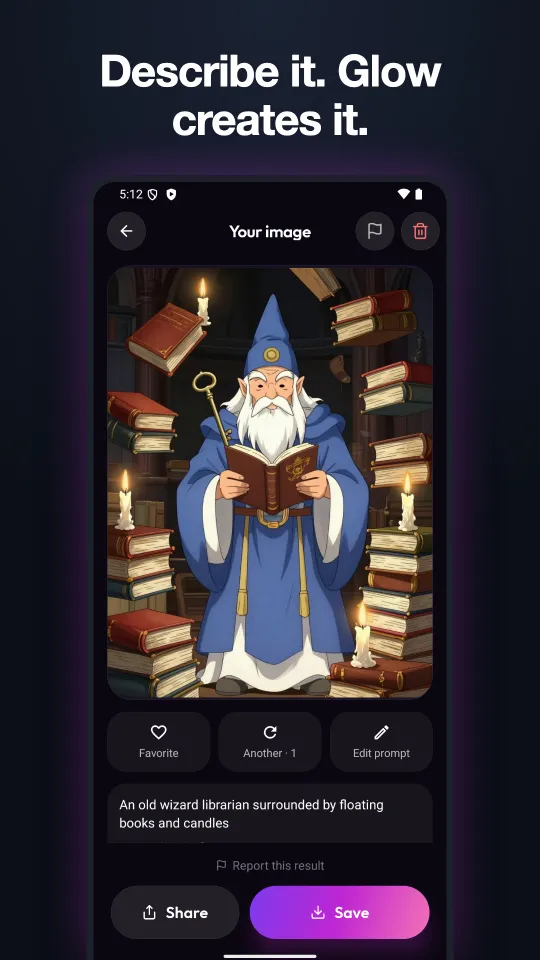
Describe it. Glow creates it.
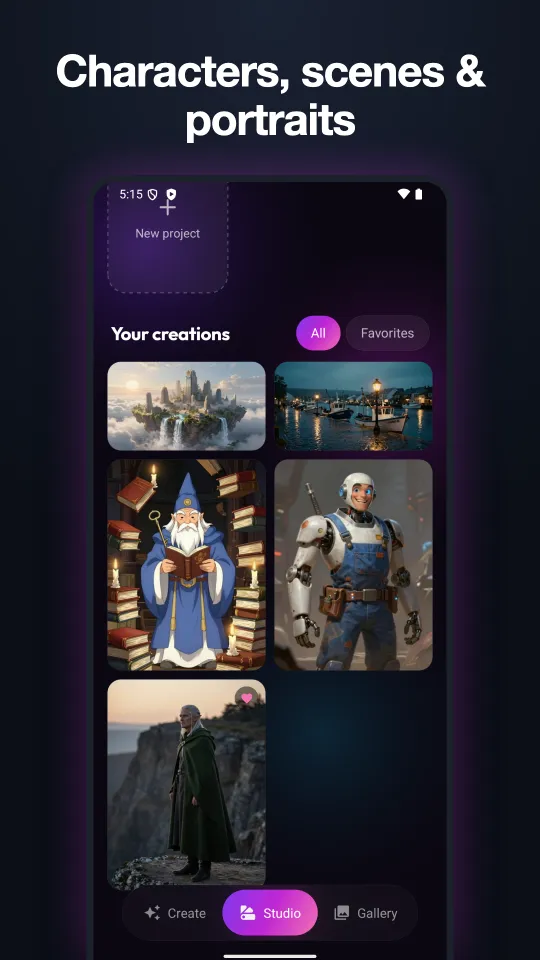
Glow Studio is an AI image generator built into the app. Describe a character, a scene or a portrait, pick a style and a shape, and get an original image in seconds.
- 7 styles: Cinematic, Editorial, Fantasy, Anime, 3D, Noir, Watercolor
- 5 shapes, from square to 16:9 wallpaper
- 1 or 2 credits per image; new users get 30 free credits
How it works
Three taps to wow.
- 01
Pick a photo
Any shot from your gallery. Clear, well-lit photos give the best results.
- 02
Choose a tool
Enhance, cut out, erase, colorize, cartoonize or stickerize. Glow's AI does the heavy lifting.
- 03
Save & share
Compare before and after, then save to your phone or share straight to your friends.
Your face is yours.
Glow doesn't collect or store face data. Each photo is processed once to create your result, and you can delete results from your Gallery any time. Read the privacy policy →
FAQ
Good questions.
Is Glow free?
Yes, to start. New users get 30 free credits, and Glow has no ads. Every tool shows its price in credits before you start; most photo tools cost 2 to 10 credits. After that, credit packs start at $1.99 for 100 credits on the US stores, or a Glow subscription adds credits every week or month. The app shows the exact price for your country. See pricing.
What is Glow Studio?
An AI image generator inside Glow. Describe a character, scene or portrait and Glow creates an original image in the style you pick. It doesn't use your photos, and requests for explicit content or real people aren't supported. More about Studio.
What can Glow do?
Glow enhances blurry photos, removes backgrounds and objects, colorizes black & white photos, turns selfies into cartoons and stickers, and creates images from text in Glow Studio. It has 20 more AI tools, including AI Headshot, Old Photo Restore, Magic Edit, Hairstyle, Outfit and Makeup Try-On, and two-photo tools like Us Together and Future Baby. Glow 2.8 adds AI video and top AI photo models, and you can also use Glow on the web at app.glowyou.app. More answers.
What happens to my photos?
Your photo is uploaded securely, processed to create your result, and the result appears in your in-app Gallery. Glow does not collect or store face data. You can delete any result from the Gallery.
Which photos work best?
Clear, well-lit photos with a visible face give the best results for Enhance, Cartoonize and Sticker. Colorize works best on scanned black & white prints.
Where can I get Glow?
On Google Play for Android, on the App Store for iPhone and iPad, and in a browser at app.glowyou.app.
I need help.
Email us at [email protected]. We read everything.

Glow up.
Your best photos haven't been taken. They've been enhanced.