Key facts
- What you make
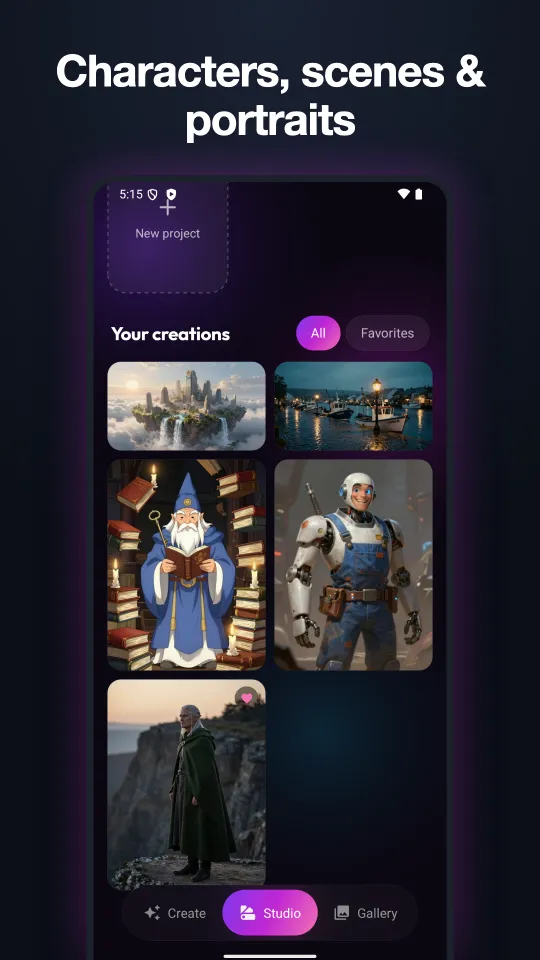
- Original characters, scenes and portraits
- Styles
- Cinematic, Editorial, Fantasy, Anime, 3D, Noir, Watercolor or none
- Shapes
- 1:1, 3:4, 4:3, 9:16, 16:9
- Cost
- Draft 1 credit · Detailed 2 credits
- Free to try
- 5 credits for new users
- Platforms
- iPhone, iPad and Android
How to create an image
- Open Glow and go to Studio, then tap New project.
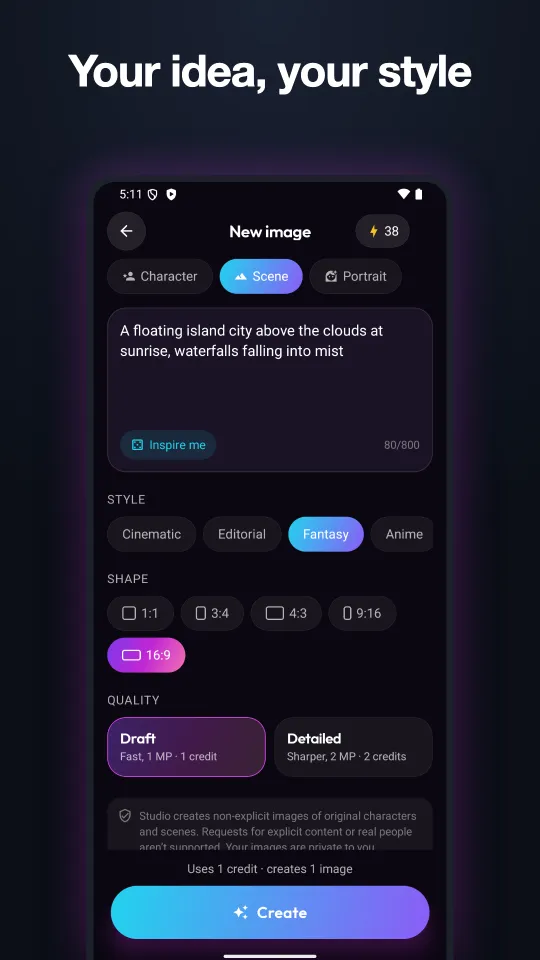
- Choose Character, Scene or Portrait and describe what you want, up to 800 characters. Stuck? Tap Inspire me.
- Pick a style and a shape.
- Choose Draft (fast, 1 megapixel, 1 credit) or Detailed (sharper, 2 megapixels, 2 credits) and tap Create.
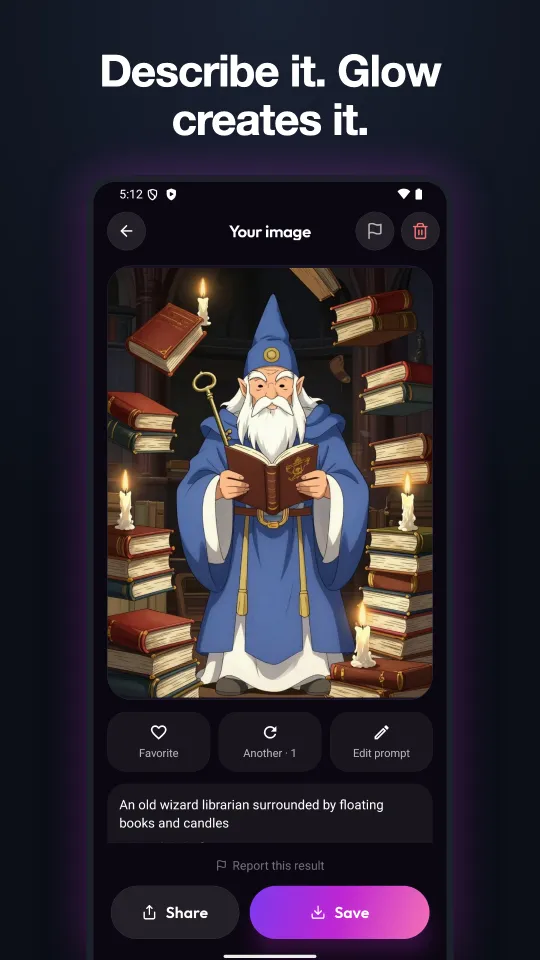
- Save, share, favorite, or edit the prompt and make another.
Credits
| How you get credits | Credits |
|---|---|
| New users, free | 5 |
| Glow subscribers, every month | 300 |
| Credit pack, $2.99 (US App Store) | 100 |
| Credit pack, $9.99 (US App Store) | 500 |
A Draft image uses 1 credit and a Detailed image uses 2. See pricing for subscription prices.
What Studio won't make
Studio creates non-explicit images of original characters and scenes. Requests for explicit content or images of real people aren't supported, and both prompts and results are checked automatically. Every result has a Report button. Your images are private to you.
Who it's for
Best for
- Characters for stories, games and role-play
- Wallpapers and social posts
- Concept art and mood boards
Not for
- Editing your own photos (use the photo tools)
- Images of real or famous people
- Explicit content
Questions
What is Glow Studio?
An AI image generator inside the Glow app. You describe a character, scene or portrait and Glow creates an original image in the style and shape you choose.
Is Glow Studio free?
New users get 5 free credits. Glow subscribers get 300 credits every month, and anyone can buy 100 credits for $2.99 or 500 for $9.99 on the US App Store.
Can I use my own photo in Studio?
No. Studio creates images from your description only. To edit your own photos, use tools like Enhance, Cartoonize or Sticker Maker.
Who can see my Studio images?
Only you. Your images stay private in your Studio until you save or share them.
Last updated October 27, 2026. Made by Halberd LLC, the developer of Glow.