
AI video effects: turn one photo into a viral clip
Glow's AI video effects turn a photo into a short video. Pick an effect, like Muscle Up, Viral Dance or Earth Zoom Out, add one photo of a person, and Glow makes a 5-second clip in 1 to 3 minutes. Each effect costs credits, shown before you start. The effects work in the Glow app on iPhone and Android and on the web at app.glowyou.app.
Viral video effects
Dances, walks, reactions and party moments. Your photo moves like the trend.

Muscle Up
Instant six-pack, flexing
Try on the web
Viral Dance
The dance everyone is doing
Try on the web
Runway Walk
Red-carpet model walk
Try on the web
Dance Like This
Your photo does the dance
Try on the web
Talking Photo
A birthday wish, a hello or a love note
Try on the web
Photo Transition
Two photos, one smooth transition video
Try on the web
Cloud Surf
Ride a cloud through the sky
Try on the web
Surprise Party
Confetti, balloons, celebration
Try on the web
Petal Rain
Rose petals in slow motion
Try on the web
Bullet Time
Freeze time, camera sweeps around
Try on the web
Party Arms
Arms up, party dance
Try on the web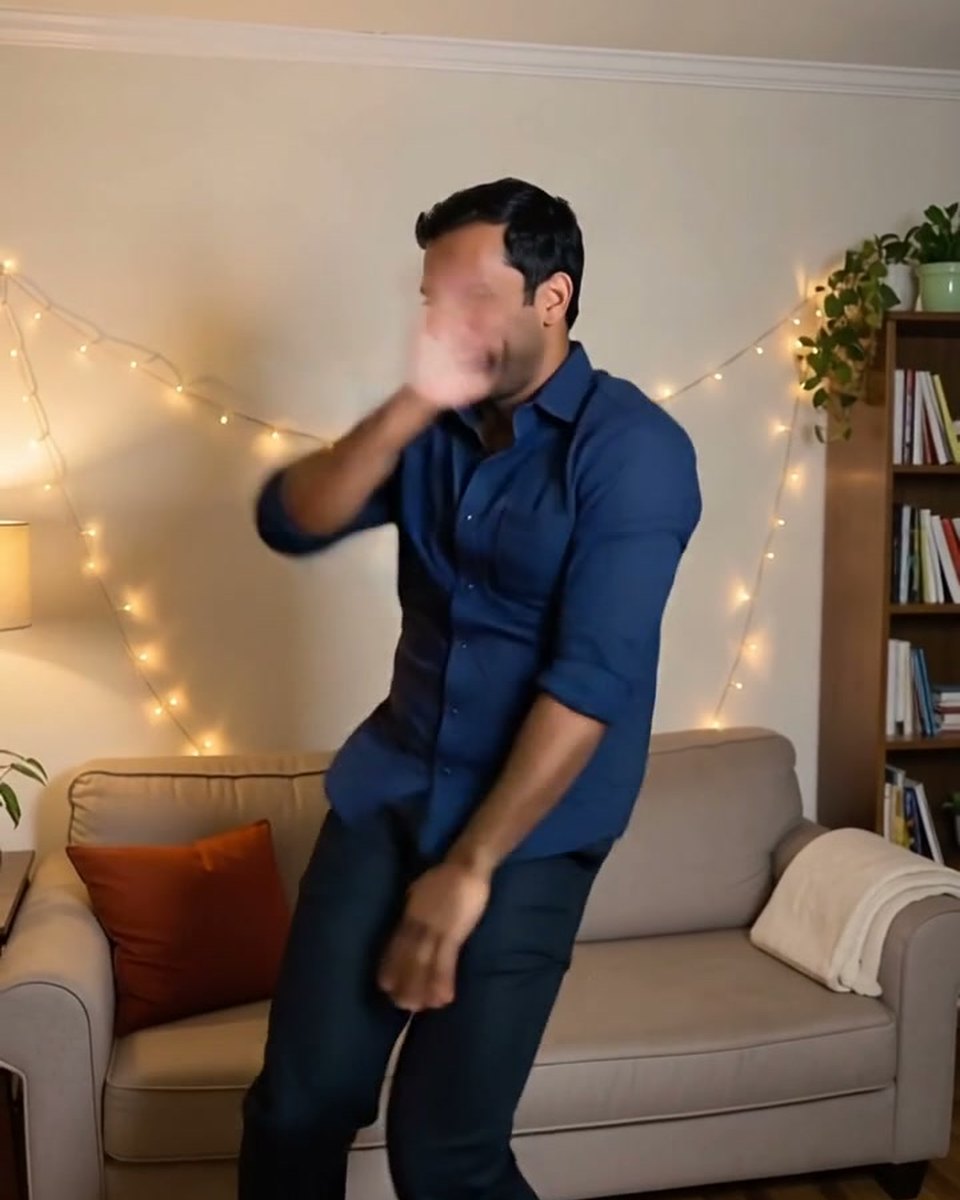
Beat Drop Dance
Drop the beat and dance
Try on the web
Suit Up
From casual to sharp suit
Try on the web
Mega Dive
A big belly-flop dive
Try on the web
360 Spin
Spin around like in the microwave
Try on the web
Clothes Rain
It rains clothes
Try on the web
Fireworks
Fireworks light up the night
Try on the web
Money Rain
Make it rain money
Try on the web
Shocked
The ultimate shocked reaction
Try on the web
Pigeons
A flock of pigeons takes off
Try on the web
Pool Jump
Jump into the pool
Try on the web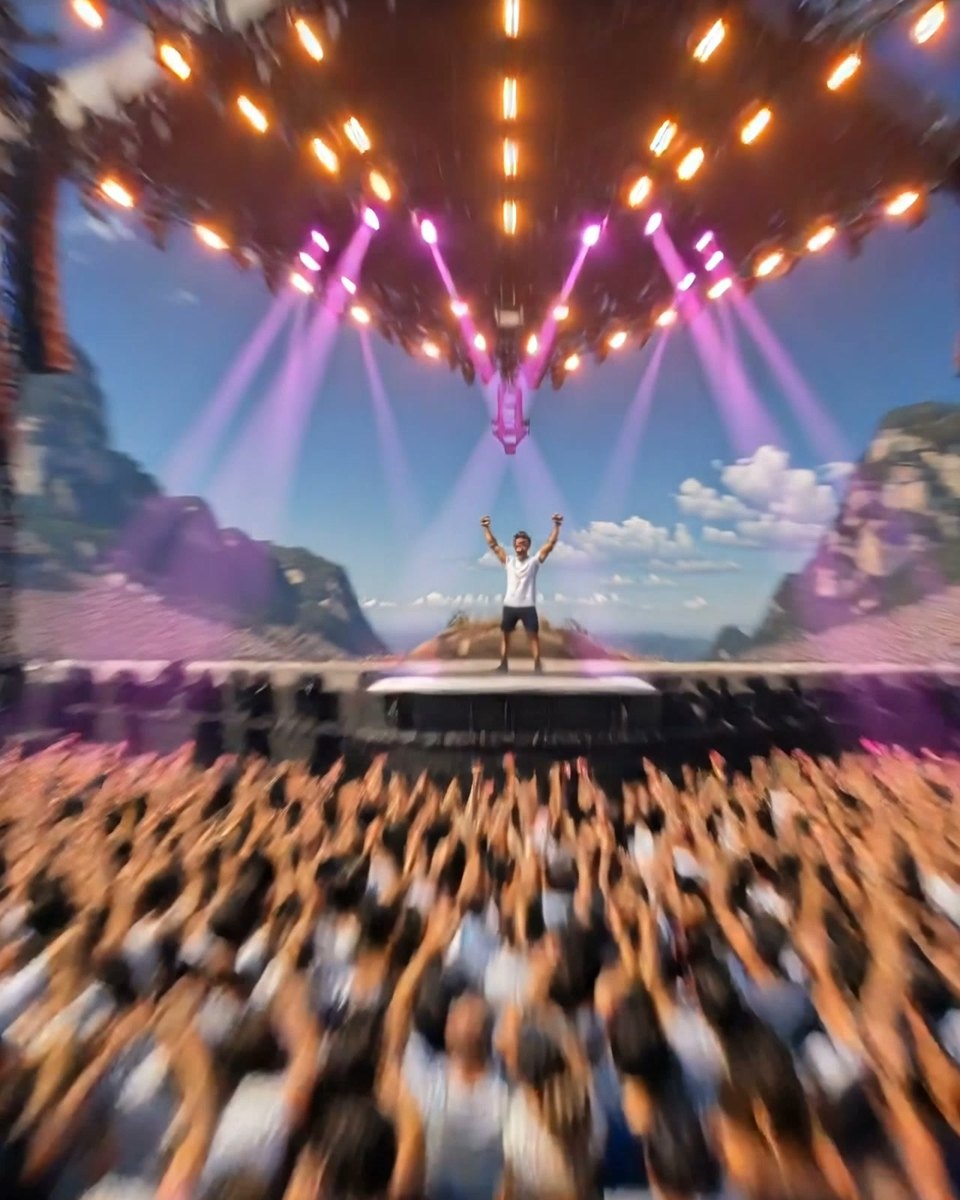
Live Concert
On stage, crowd cheering
Try on the webMagic transformations
Turn into metal, melt into paint, grow wings or zoom out to space.

Earth Zoom Out
Zoom out all the way to space
Try on the web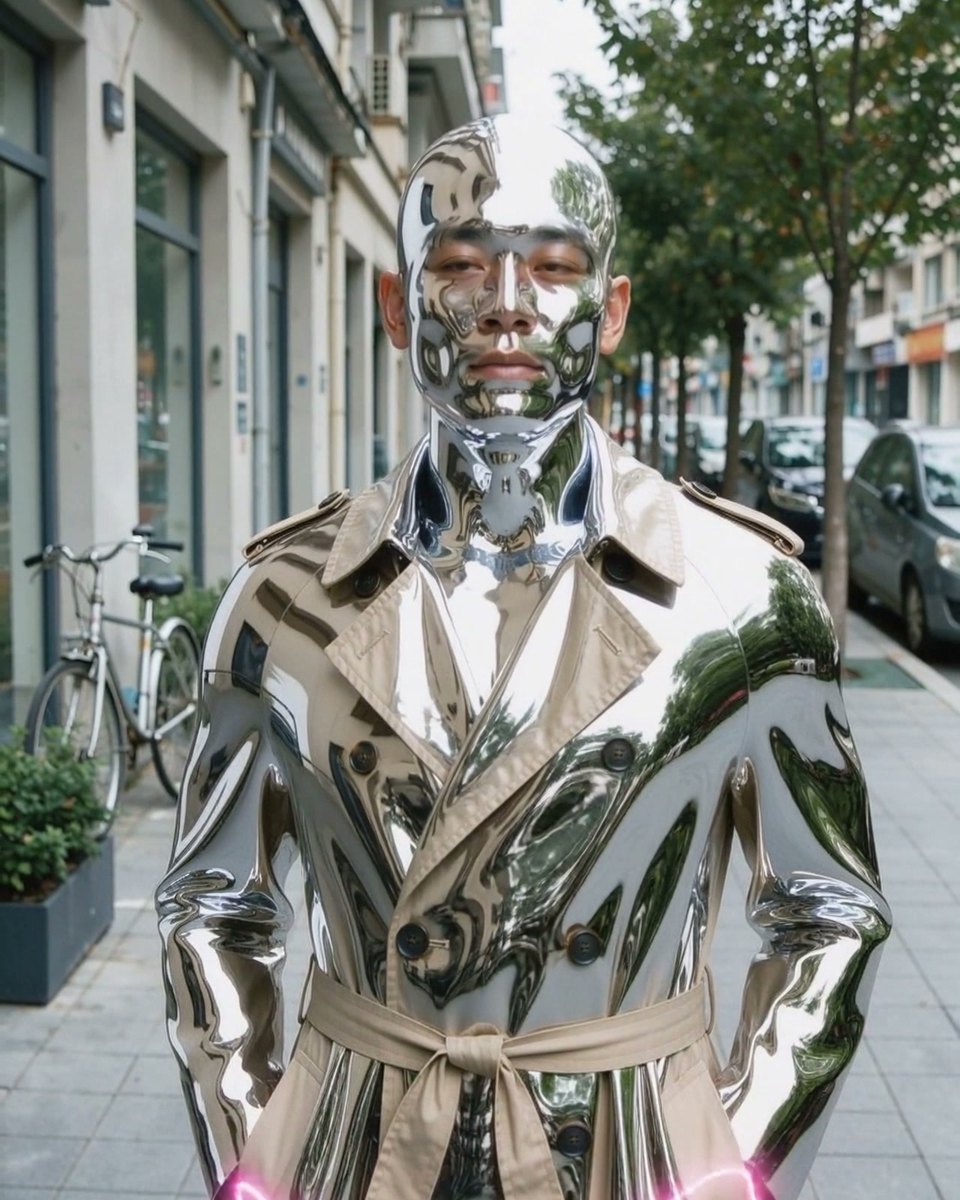
Turning Metal
Turn into liquid chrome
Try on the web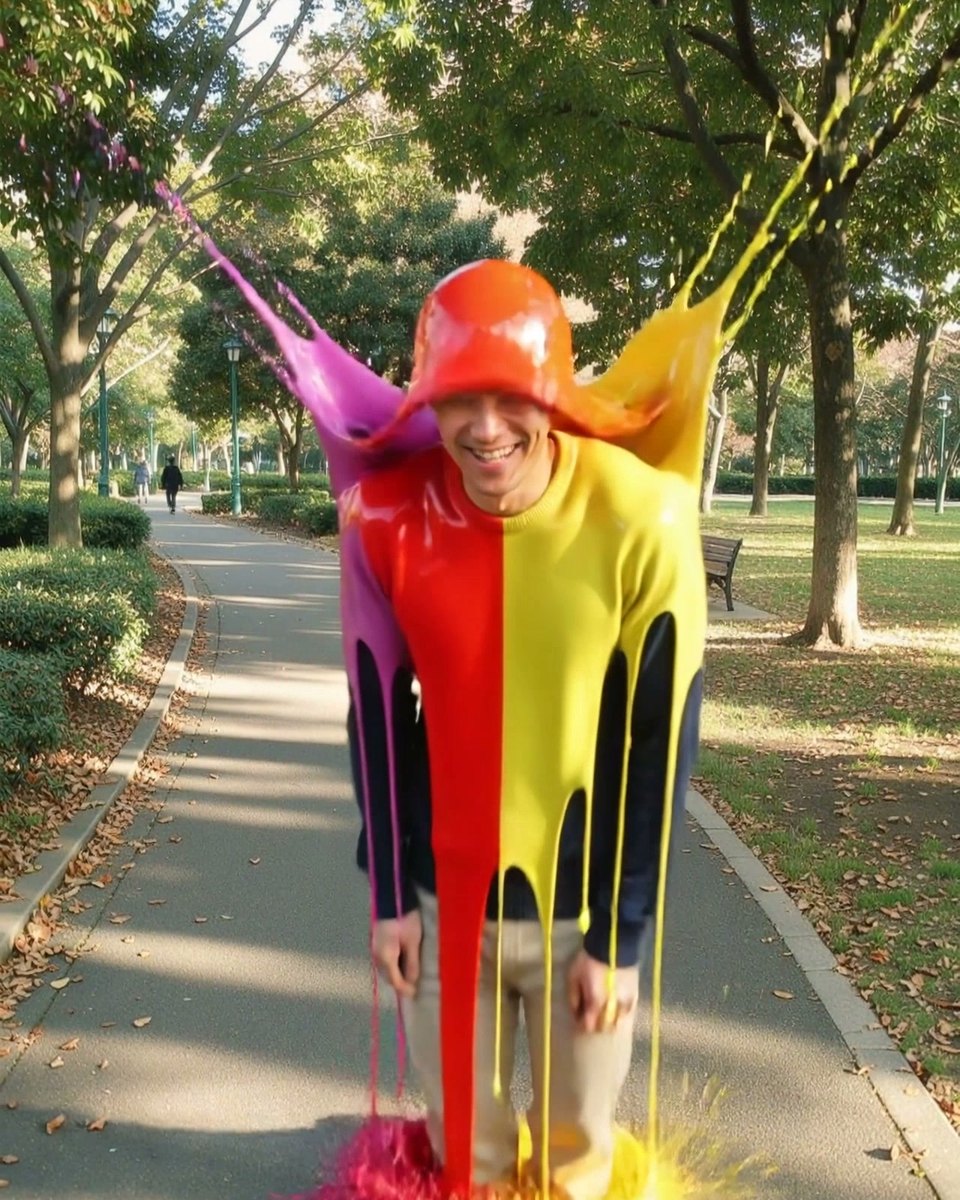
Melting
Melt into rainbow paint
Try on the web
Disintegration
Dissolve into golden particles
Try on the web
Angel Wings
Angel wings unfold
Try on the web
Plushie Me
Turn into a soft plush toy
Try on the web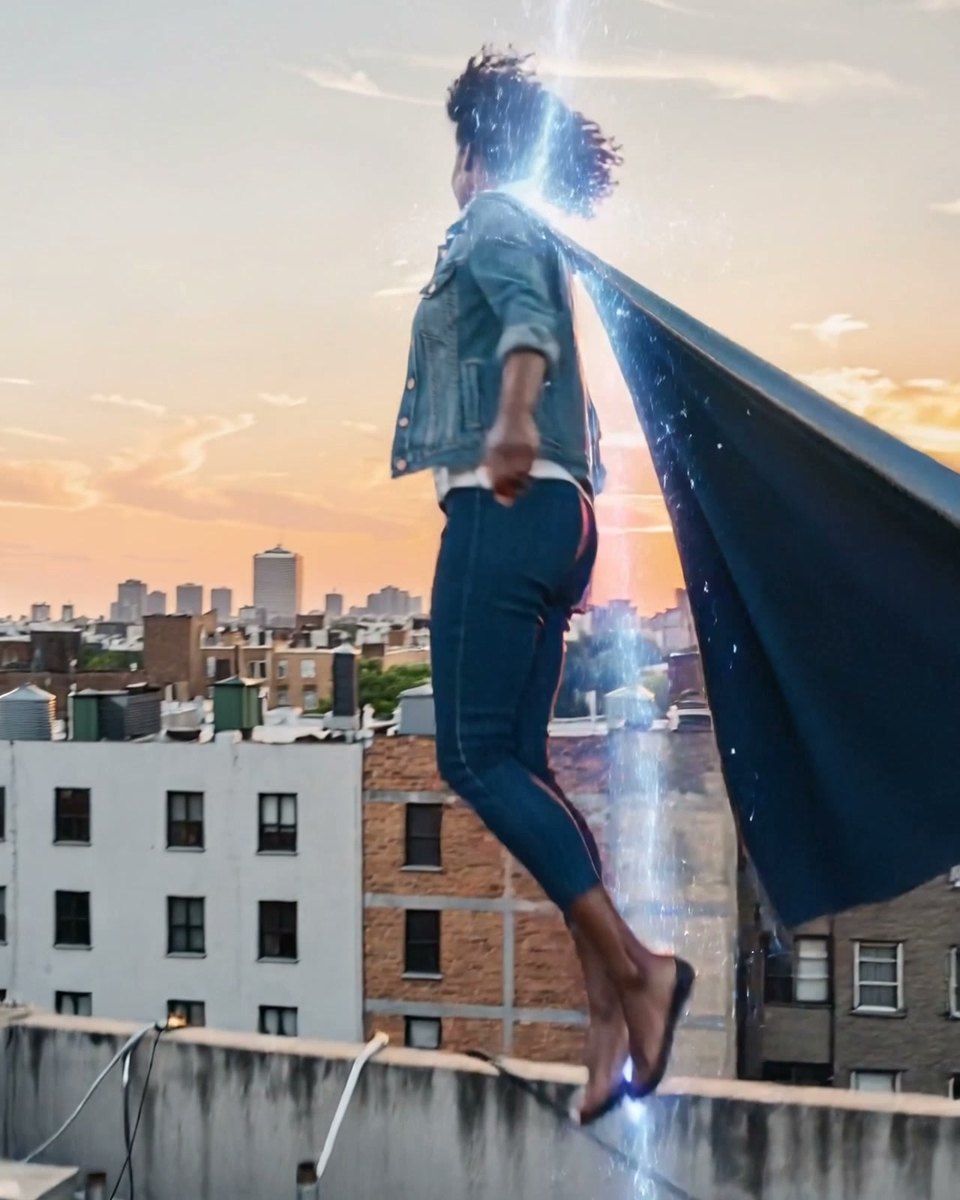
Take Flight
A cape appears, then up you go
Try on the web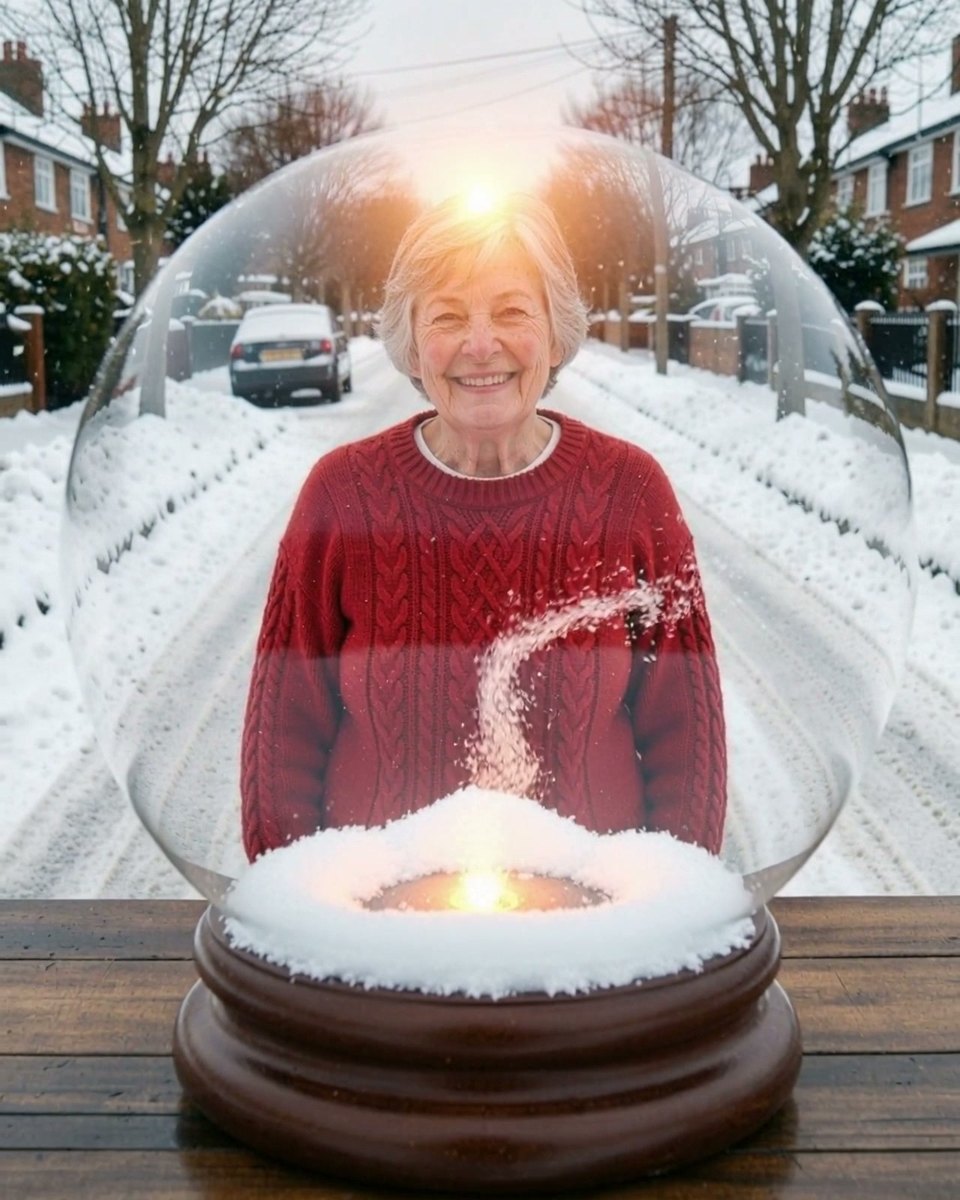
Snow Globe
You, inside a snow globe
Try on the web
Painting Comes Alive
From oil painting to life
Try on the web
Anime Pop
Become a retro anime character
Try on the web
Eyes In
Dive into your eye, find a galaxy
Try on the web
Aquarium
Water rises, fish swim by
Try on the web
Cotton Cloud
Wrapped in a pink cloud
Try on the web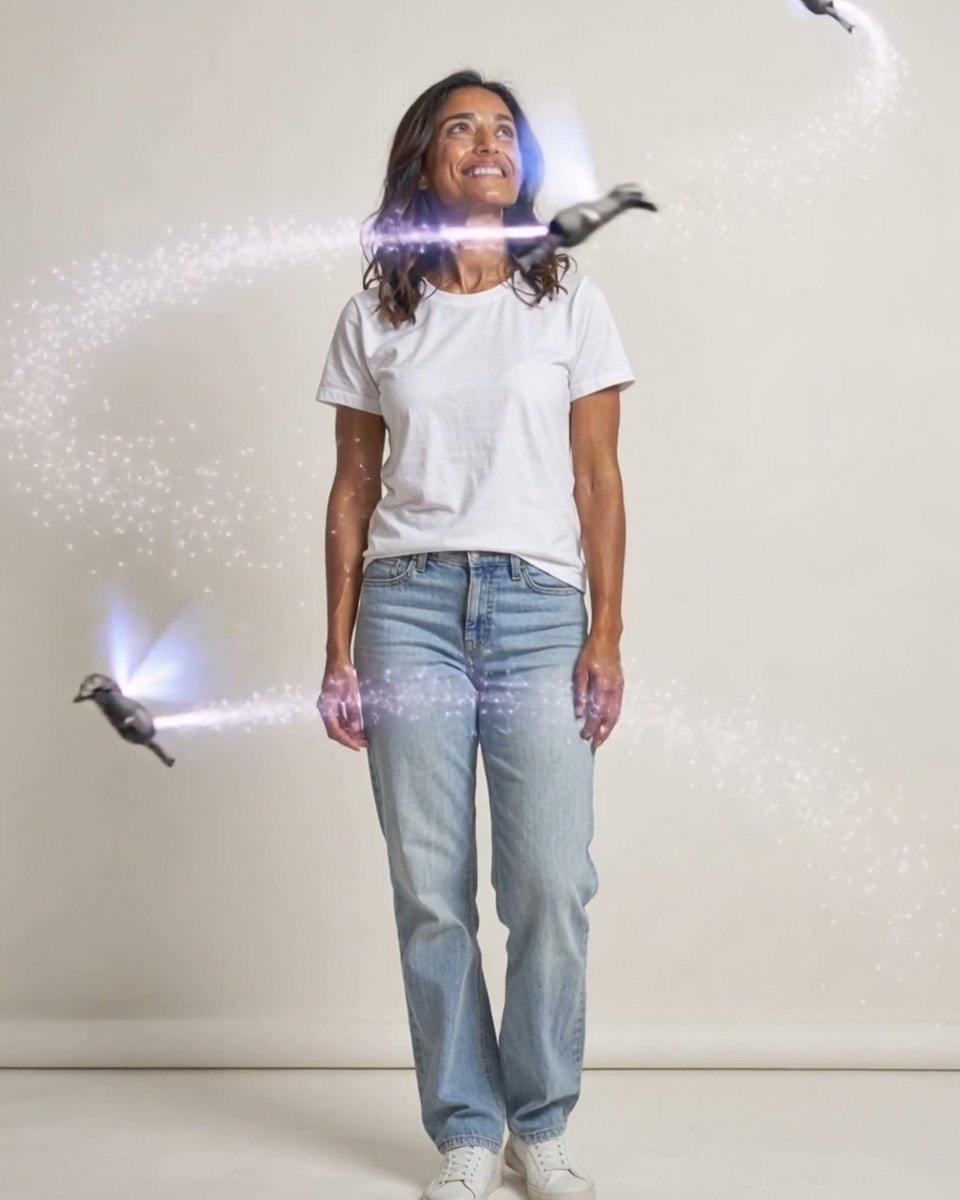
Fairies Around
Glowing fairies circle you
Try on the web
Northern Lights
Northern lights overhead
Try on the web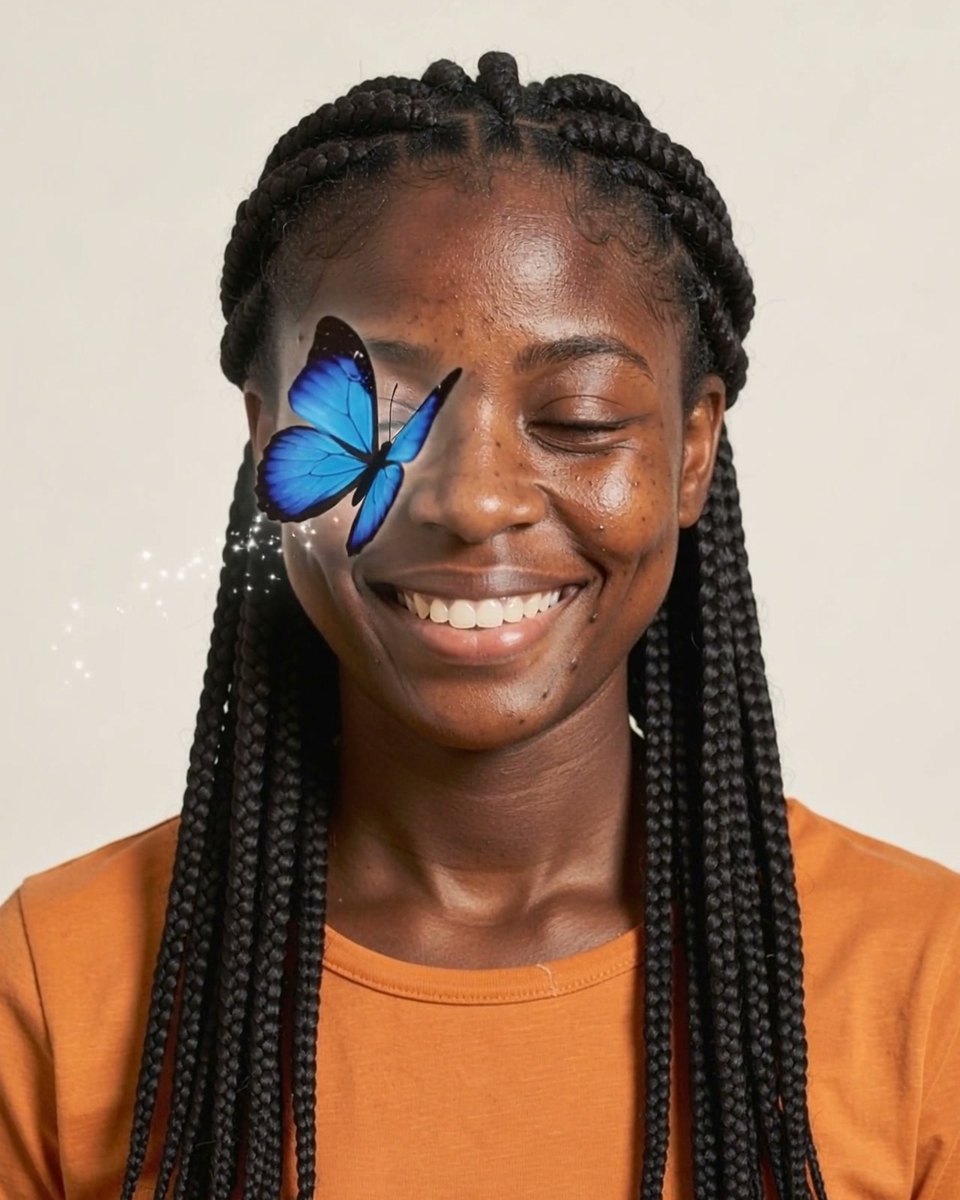
Butterfly Kiss
A butterfly lands on your cheek
Try on the web
Clones
You, times four
Try on the web
Freeze Time
Freeze time around you
Try on the web
Pearl Earring
Become a Dutch master painting
Try on the web
Comic Book
Step into a comic book
Try on the web
Giant
Become a giant in the city
Try on the web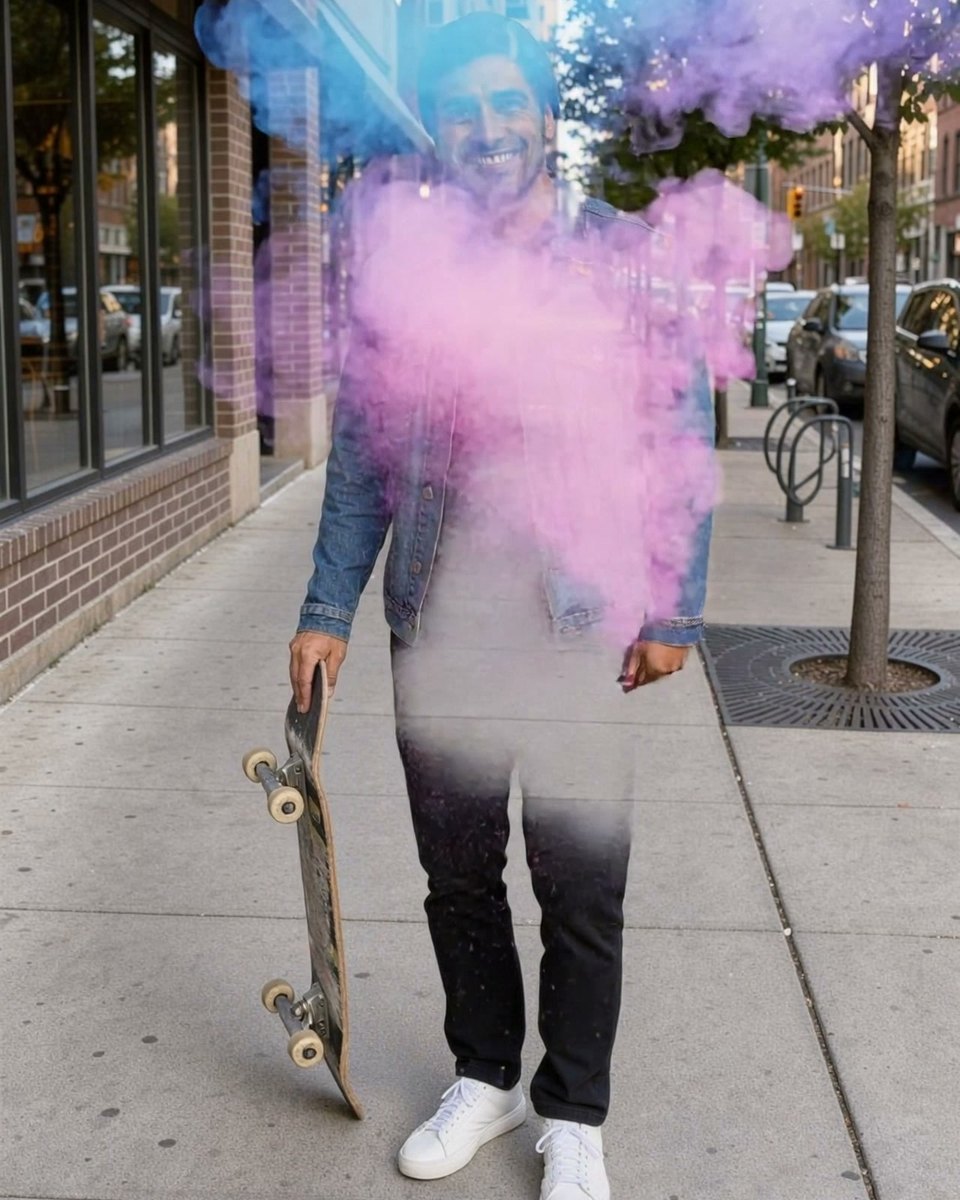
Vanish
Disappear in a puff of smoke
Try on the web
Fairytale Castle
A fairytale castle rises
Try on the webHow it works
- Open Glow, or go to app.glowyou.app.
- Pick an effect from Viral video effects or Magic transformations.
- Add a clear photo of one person.
- Check the credit cost on the button and tap to start.
- Save or share the video when it is ready.
Questions
Is it free?
Glow is free to download, and new users get 30 free credits. A video effect costs about 88 to 101 credits, so for most effects you need a credit pack or a Glow subscription. The app shows the exact cost on the button before you start. See pricing.
How long does a video take?
Most effects are ready in 1 to 3 minutes. The finished clip is saved to your Gallery in the app.
Which photo works best?
A clear, well-lit photo of one person. For dance, walk and flex effects, use a half-body or full-body photo. Dance Like This needs a full-body photo, head to feet. Talking Photo needs a front-facing photo of one face. Photo Transition uses a start photo and an end photo.
Are my photos private?
Your photo is uploaded securely and processed once to create your result, which appears in your in-app Gallery. Glow doesn't collect or store face data, and you can delete any result from the Gallery. Details are in the privacy policy.
Can I use the effects on the web?
Yes. The same effects work in Glow on the web at app.glowyou.app. Each effect on this page has a Try on the web link.
Do the videos have sound?
Most effects make a silent 5-second clip. Talking Photo is the exception: it adds a short voice message, such as a birthday wish.
Last updated November 16, 2026. Made by Halberd LLC, the developer of Glow.