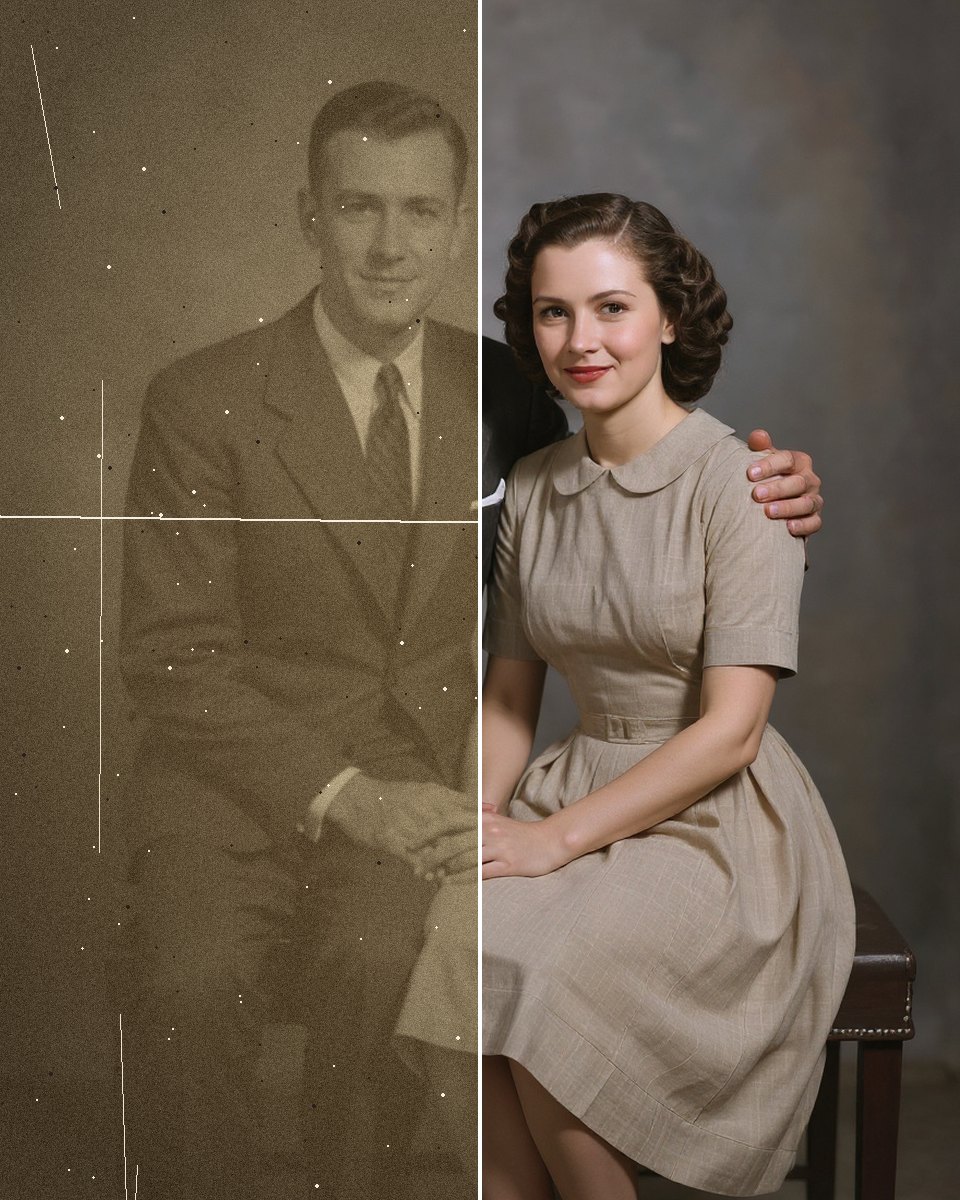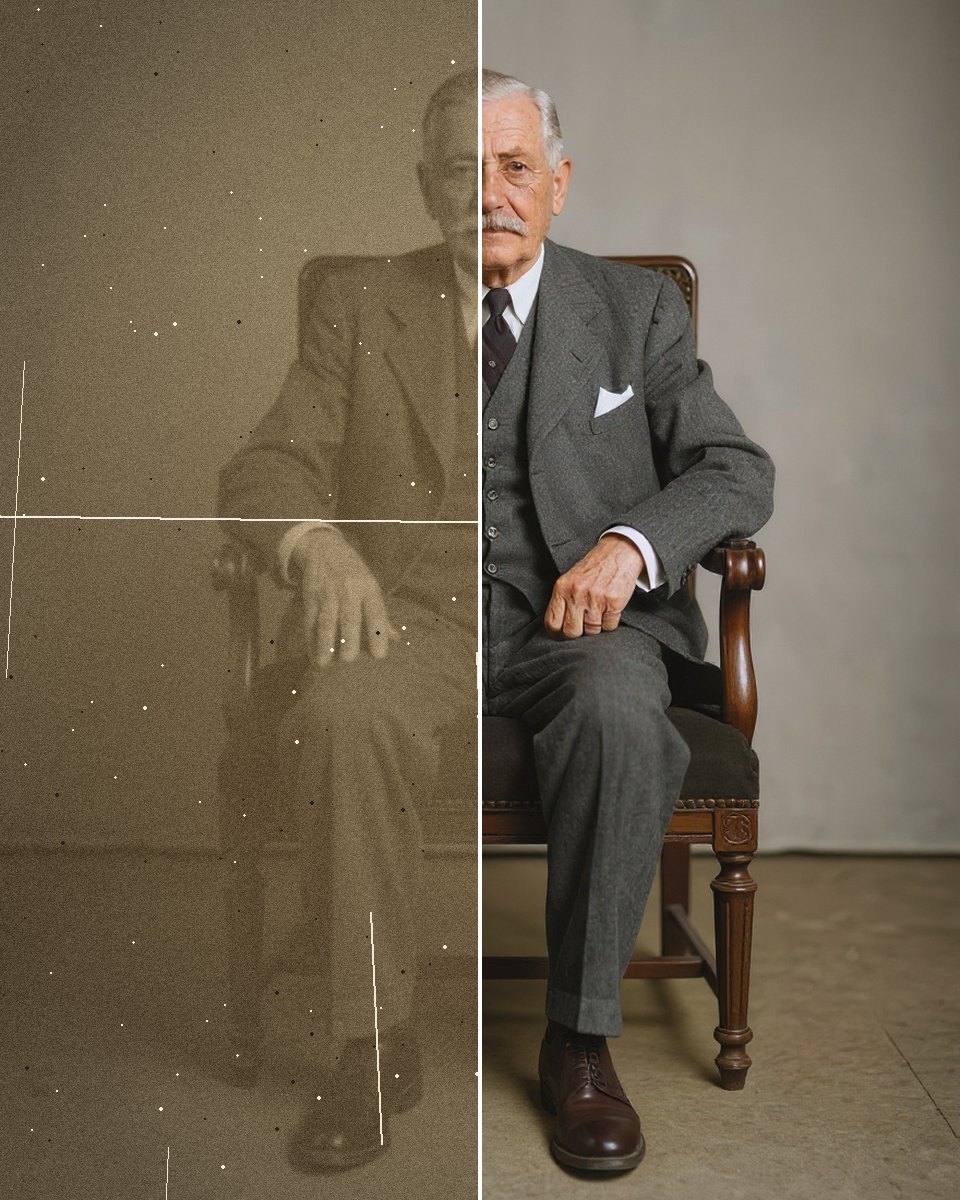
Key facts
- Price
- 3 credits (HD) or 5 credits (Ultra) per image
- Result
- Image
- Ready in
- About 10 seconds
- You add
- Any photo; small or soft ones gain the most
- Works on
- Web, iPhone, iPad and Android
How it works
- Open the tool in the Glow web app or in the Glow app on iPhone or Android.
- Upload a photo. What works best: any photo; small or soft ones gain the most.
- Pick a style: HD (8 MP), Ultra (16 MP).
- Tap Upscale photo. The button shows the price (3 credits (HD) or 5 credits (Ultra)), and the result takes about 10 seconds.
- Save or share your image. It also stays in your Gallery, and your original photo is not changed.
2 styles to choose from
Pick the output size: HD for screens, Ultra for print.


Good for
- Small photos saved from old phones or chats
- Printing a photo larger than its original size
- Sharpening product and listing images
Tips for a better result
- Small or soft photos gain the most; a photo that is already large changes less.
- Choose Ultra (16 MP) for big prints and HD (8 MP) for screens and sharing.
- If faces are blurry, run the Photo Enhancer as well.
Questions
What is the difference between HD and Ultra?
HD gives an 8 MP image and Ultra gives a 16 MP image. Ultra is better for large prints; HD is enough for phones and social posts.
Can it fix any blurry photo?
It rebuilds detail well on small and slightly soft photos. Very blurry or heavily compressed images improve, but cannot be made perfect.
How is it different from Photo Enhancer?
Upscale HD makes the image bigger and crisper. The Photo Enhancer focuses on unblurring and restoring faces.
How much does Upscale HD cost?
Upscale HD costs 3 credits (HD) or 5 credits (Ultra) per image, and the button shows the price before you start. If a job fails, the credits go back to your balance. New users get 30 free credits, enough to try it. After that you can buy a credit pack or subscribe. See pricing.
What happens to my photo?
Your photo is uploaded securely and processed once to create your result, which appears in your in-app Gallery. Glow doesn't collect or store face data, and you can delete any result from the Gallery. Details are in the privacy policy.
Prices and times are from the live Glow catalog on November 17, 2026; the app always shows the current price. Made by Halberd LLC, the developer of Glow.