Key facts
- Price
- 3 credits per image
- Result
- Image
- Ready in
- About 8 seconds
- You add
- A close-up portrait works best
- Works on
- Web, iPhone, iPad and Android
How it works
- Open the tool in the Glow web app or in the Glow app on iPhone or Android.
- Upload a photo. What works best: a close-up portrait works best.
- Tap Retouch. The button shows the price (3 credits), and the result takes about 8 seconds.
- Save or share your image. It also stays in your Gallery, and your original photo is not changed.
Good for
- Profile and dating photos
- Event photos taken in harsh light
- Close-up portraits before you post them
Tips for a better result
- A close-up portrait works best, with the face filling much of the frame.
- Start from a sharp photo; retouching cannot add detail that a blurry shot is missing.
- Avoid strong beauty filters on the original so the texture stays natural.
Questions
Will it make my skin look fake?
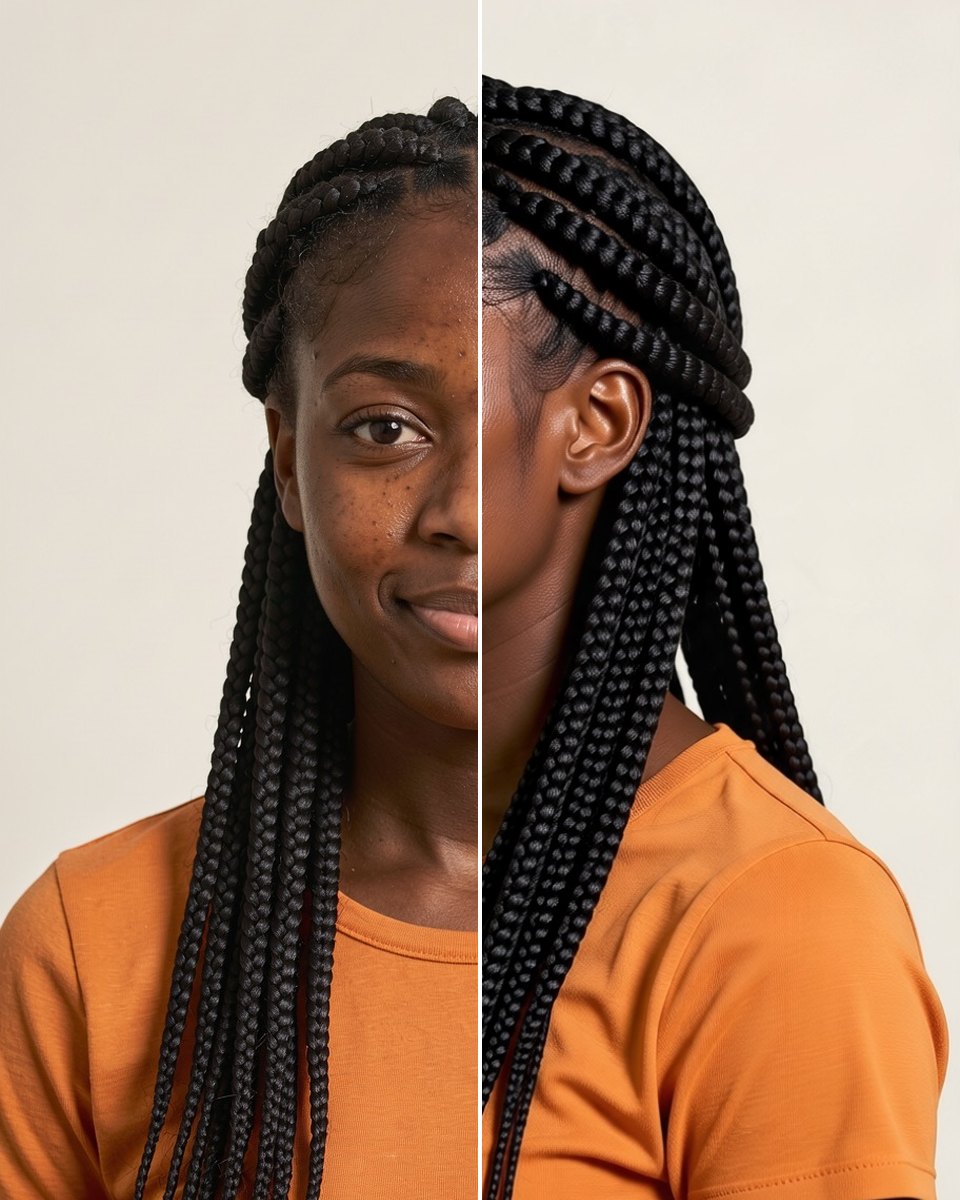
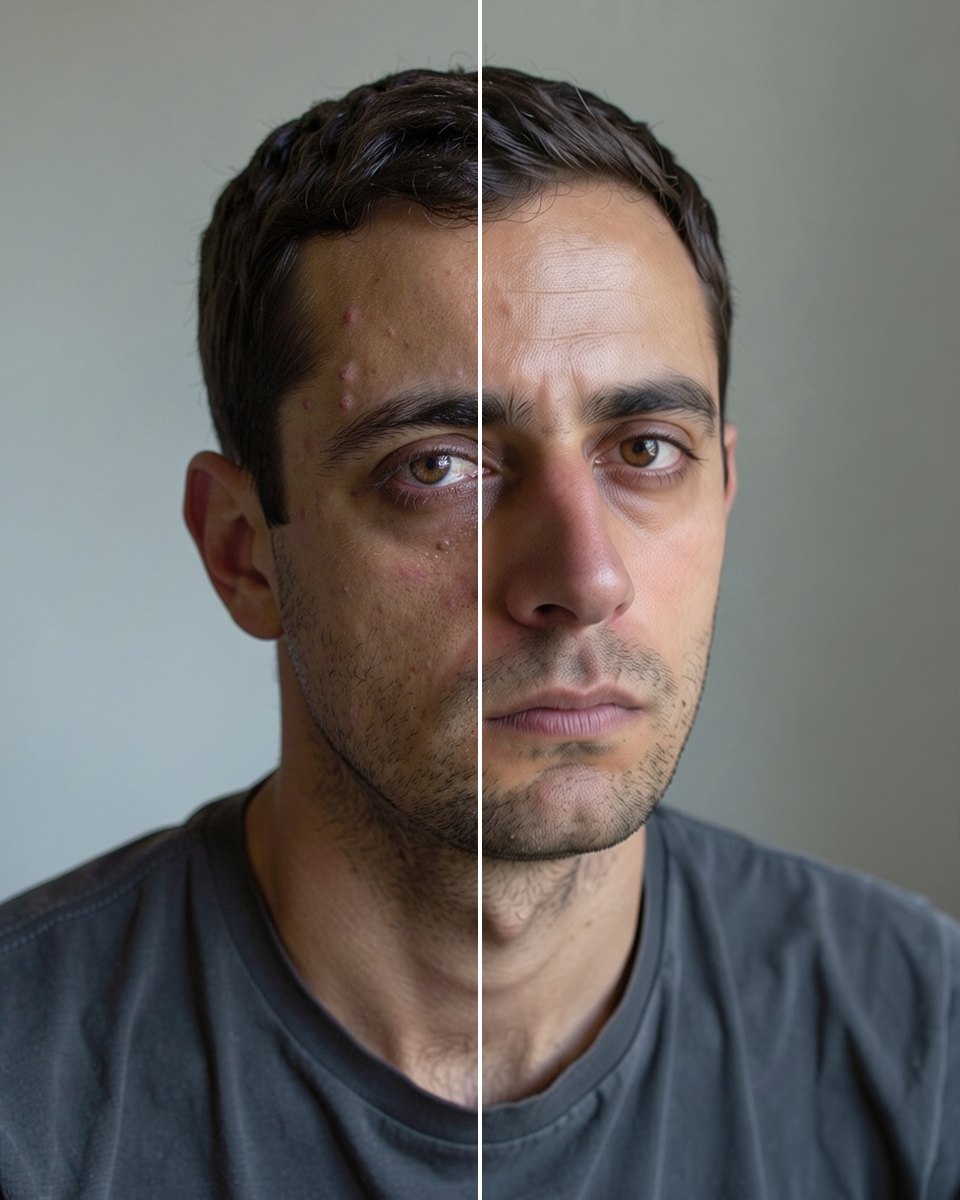
Skin Glow is made to keep real skin texture, so pores and fine detail stay. It evens out tone and blemishes rather than smoothing everything flat.
Can I use it on group photos?
It works best on a close-up portrait of one person.
What if I want makeup too?
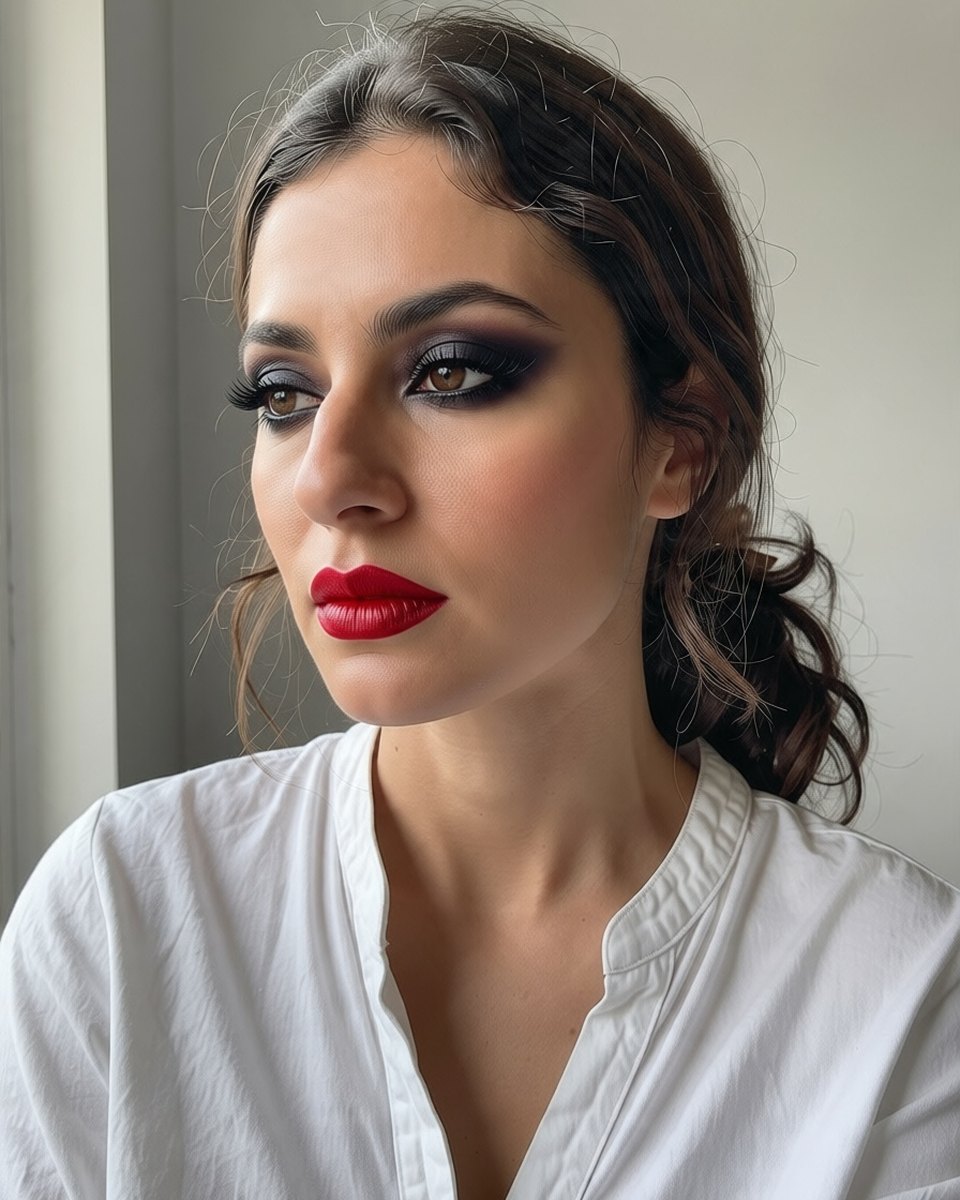
Try Makeup Try-On for natural, glam or bridal looks.
How much does Skin Glow cost?
Skin Glow costs 3 credits per image, and the button shows the price before you start. If a job fails, the credits go back to your balance. New users get 30 free credits, enough to try it. After that you can buy a credit pack or subscribe. See pricing.
What happens to my photo?
Your photo is uploaded securely and processed once to create your result, which appears in your in-app Gallery. Glow doesn't collect or store face data, and you can delete any result from the Gallery. Details are in the privacy policy.
Prices and times are from the live Glow catalog on November 17, 2026; the app always shows the current price. Made by Halberd LLC, the developer of Glow.