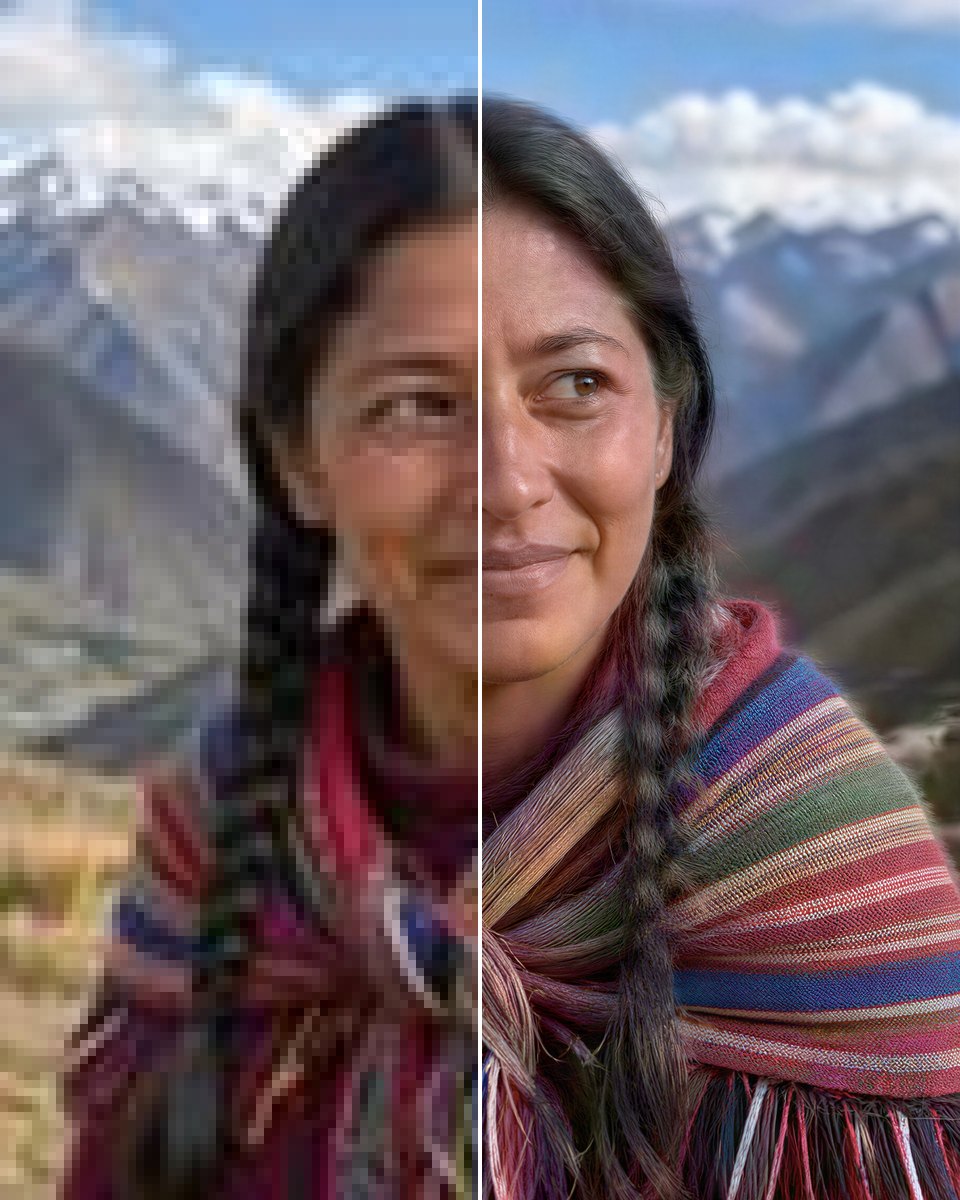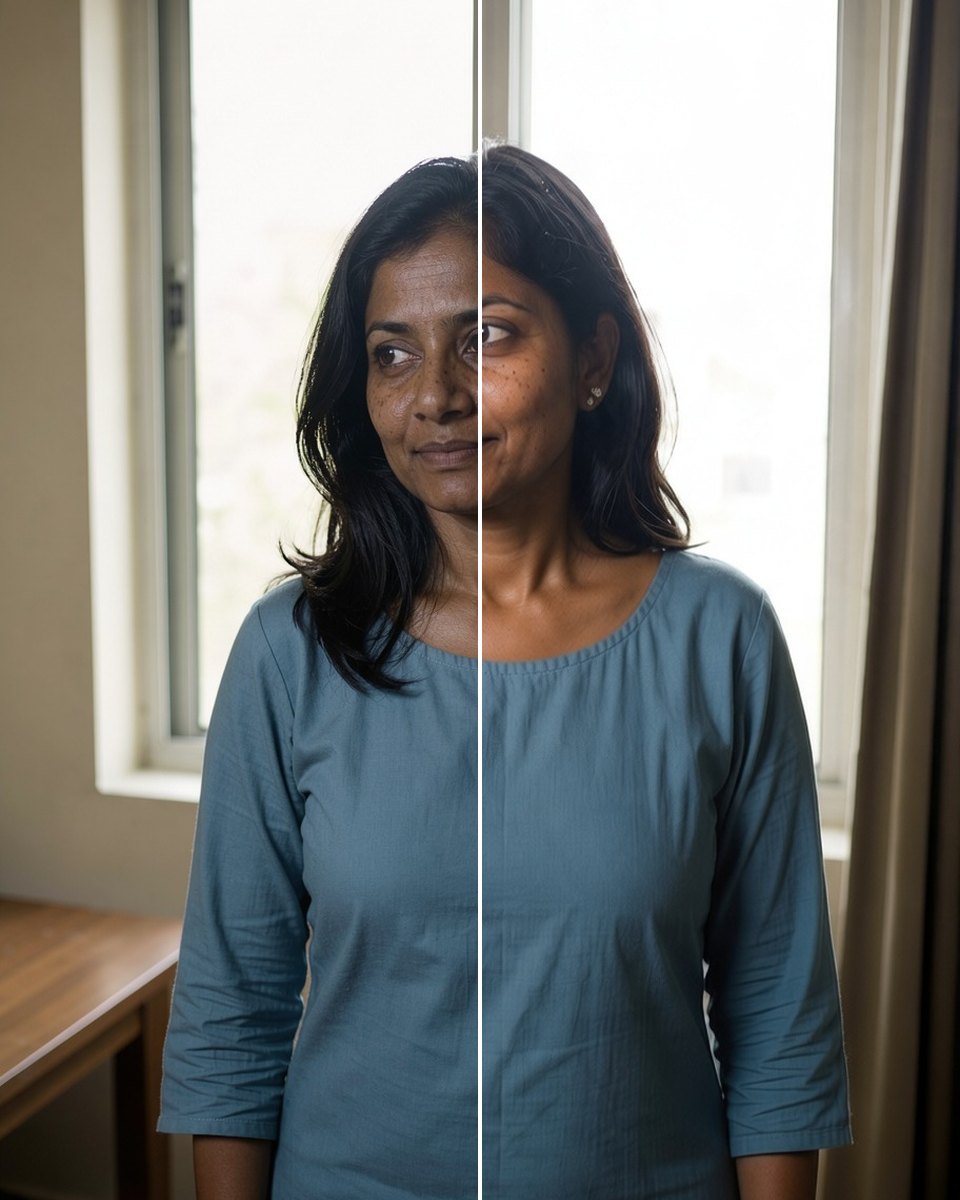
Key facts
- Price
- 3 credits per image
- Result
- Image
- Ready in
- About 8 seconds
- Works on
- Web, iPhone, iPad and Android
How it works
- Open the tool in the Glow web app or in the Glow app on iPhone or Android.
- Upload a photo. What works best: a clear photo.
- Tap Relight photo. The button shows the price (3 credits), and the result takes about 8 seconds.
- Save or share your image. It also stays in your Gallery, and your original photo is not changed.
Good for
- Indoor photos that came out too dark
- Selfies with harsh overhead light
- Backlit shots where the face is in shadow
Tips for a better result
- Start with a sharp photo; relighting improves light, not focus.
- Very dark photos with heavy noise improve less than ones that are just dim.
- For blurry photos, run the Photo Enhancer as well.
Questions
What kind of lighting problems does it fix?
Dark, flat and harsh light: underexposed indoor shots, strong shadows from the sun or a ceiling light, and faces lost against a bright background.
Will it change the colors of my photo?
It adjusts light and shadow, which can warm or brighten tones slightly. Your subject and scene stay the same.
Does it work on products?
Yes, it works on any photo with a clear subject.
How much does Studio Relight cost?
Studio Relight costs 3 credits per image, and the button shows the price before you start. If a job fails, the credits go back to your balance. New users get 30 free credits, enough to try it. After that you can buy a credit pack or subscribe. See pricing.
What happens to my photo?
Your photo is uploaded securely and processed once to create your result, which appears in your in-app Gallery. Glow doesn't collect or store face data, and you can delete any result from the Gallery. Details are in the privacy policy.
Prices and times are from the live Glow catalog on November 17, 2026; the app always shows the current price. Made by Halberd LLC, the developer of Glow.